
Uninstall LIA Bridge
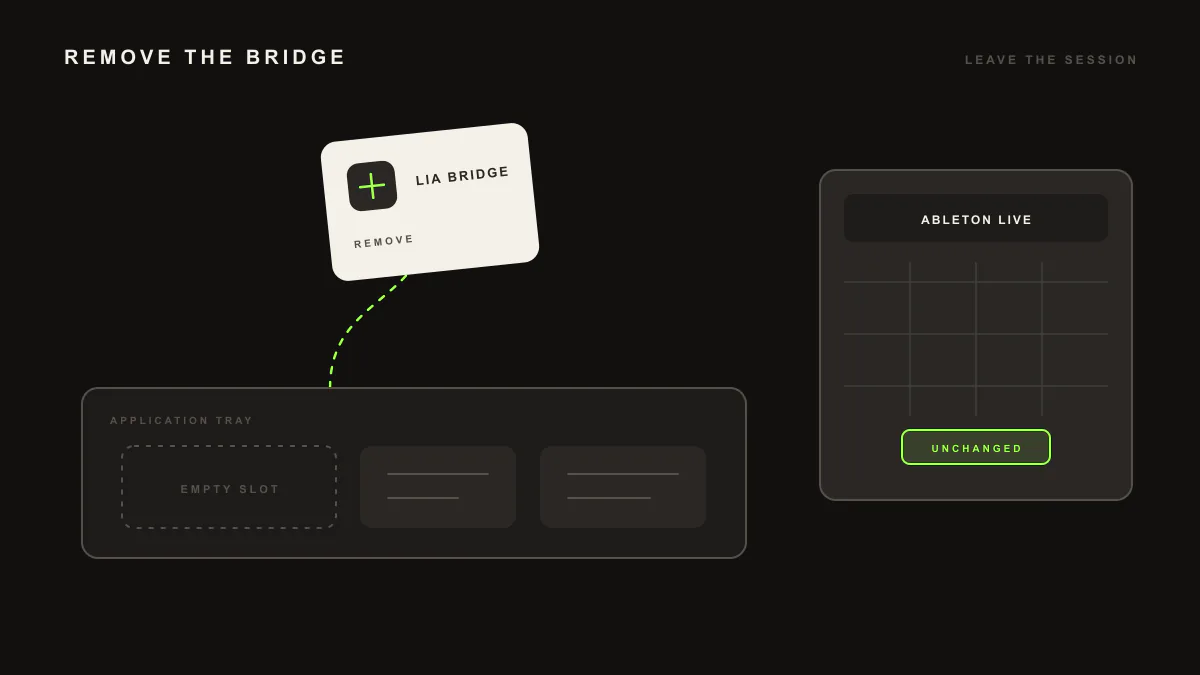
Uninstalling LIA Bridge removes the local Remote Script and optional watchdog files from your computer. It does not delete Ableton Live projects, Ableton Live settings, your LIA account, browser cookies, or browser storage. Follow the steps for macOS or Windows, then verify that the local Bridge files are gone.
Last updated:
macOS
- In Ableton Live, set the LIABridge Control Surface to None, then quit Ableton Live.
- Remove the Remote Script:
rm -rf "$HOME/Music/Ableton/User Library/Remote Scripts/LIABridge"If you installed the watchdog, remove it before deleting the optional configuration:
bash "$HOME/.lia/supervisor/install-watchdog.sh" uninstall 2>/dev/null || true
launchctl unload "$HOME/Library/LaunchAgents/com.lia.bridge.watchdog.plist" 2>/dev/null || true
rm -f "$HOME/Library/LaunchAgents/com.lia.bridge.watchdog.plist"
Optional cleanup:
rm -rf "$HOME/.lia"
rm -rf "$HOME/Library/Logs/LIA"
Windows
- In Ableton Live, set the LIABridge Control Surface to None, then quit Ableton Live.
- If installed, remove the watchdog from its supervisor folder:
powershell -ExecutionPolicy Bypass -File .\install-watchdog.ps1 uninstallRemove the default Remote Script and optional configuration:
Remove-Item -Recurse -Force "$env:USERPROFILE\Documents\Ableton\User Library\Remote Scripts\LIABridge"
Remove-Item -Recurse -Force "$env:USERPROFILE\.lia"
If you installed under C:\ProgramData\Ableton, remove that LIABridge copy too.
Verify removal
On macOS, check that no LIABridge Remote Script, ~/.lia folder, or com.lia.bridge.watchdog job remains. On Windows, confirm that LIABridgeWatchdog is absent and both the Remote Script and .lia paths return false in PowerShell.