
Reference-based MIDI generation
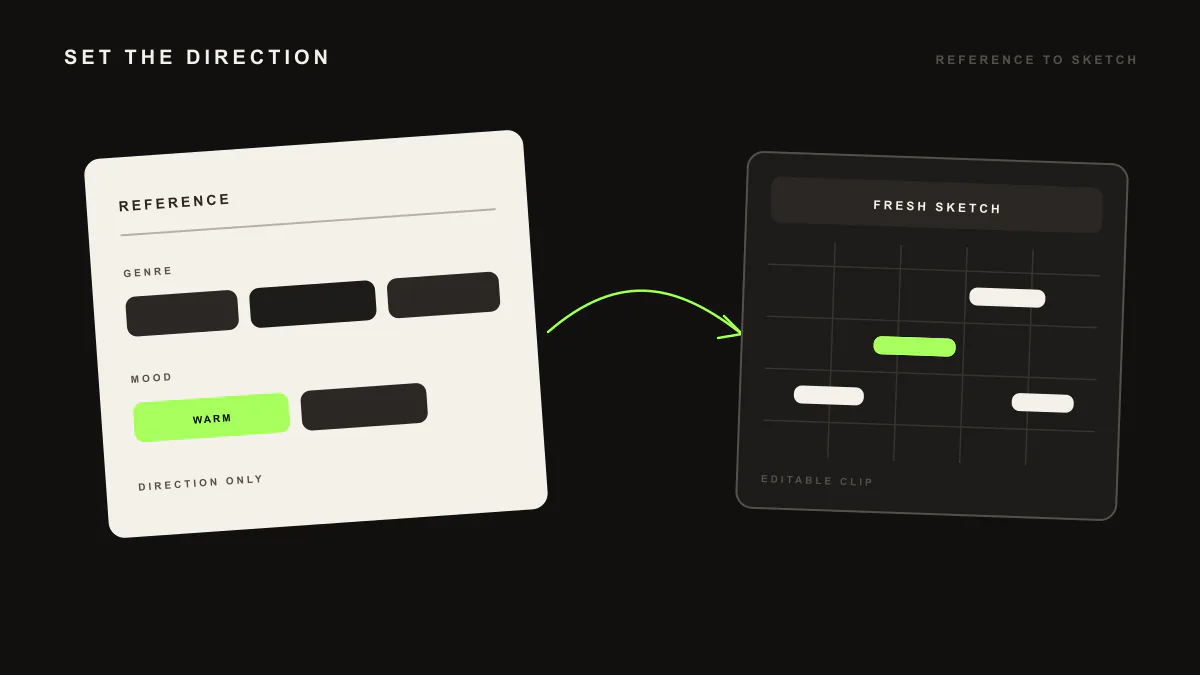
Reference-based generation lets you anchor a MIDI idea to a style or reference direction. You bring a direction, and LIA shapes an editable MIDI part that leans that way, writing it as clips inside Ableton Live through LIA Bridge so you can edit every note.
Last updated:
Reference-based generation gives your request a direction. You describe the style or feel you are aiming for, and LIA shapes an editable MIDI idea that leans that way, writing it as clips inside your Ableton Live session through LIA Bridge, the small helper app that connects LIA to Ableton Live. It is a fresh starting point, and you keep full control of every note.
How it works
- Open LIA from your browser, on desktop or phone, with your Ableton Live session open and LIA Bridge connected.
- Describe what you want and add a style direction, for example a dark hypnotic techno bassline.
- LIA uses that reference to steer the feel, phrasing and character of the idea.
- It writes the result as editable MIDI clips on matching tracks in your open session.
- Open the piano roll, refine the notes, and keep the conversation going to push the idea closer to what you hear.
Example prompts
write a warm deep house chord progression at 90 bpm
What you get. LIA writes an editable MIDI chord progression that leans toward the reference style at 90 BPM, placed as a clip in your open Ableton Live session. It opens in the piano roll so you can revoice chords, change the rhythm and adjust the progression to fit your track.
build a beat with a dark hypnotic techno direction at 140 bpm
What you get. LIA anchors a full beat to the reference: a drum pattern, bassline, pad and lead that lean in that direction at 140 BPM, each as editable MIDI on its own track. From there you refine any layer and keep steering the idea in conversation.
Requirements. A Free trial account works to get started and includes 10 total trial productions. LIA Bridge is required for in-session actions inside Ableton Live, so install it on macOS or Windows and keep it connected while you work.
Known limitation
Reference anchoring shapes editable MIDI, not audio. LIA does not export or bounce audio of any kind, so you keep the referenced idea as MIDI clips and render audio yourself inside Ableton Live. Reference-based generation works inside Ableton Live through LIA Bridge today, and support for other DAWs is on the waitlist.
Where to go next
- Getting started: connect LIA Bridge and create your first editable idea.
- Beat builder: build a full beat with drums, bass, pad and lead layers.
- Command catalog: the full range of requests LIA understands inside Ableton Live.
- Facts: what LIA does and does not do, in plain terms.
- Pricing: compare Free, Starter, Pro, Studio, Studio Max and Founder.
Frequently asked questions
How do I give LIA a reference direction?
Describe the style or feel you are aiming for, for example a dark hypnotic techno bassline or a warm deep house chord movement. LIA uses that direction to shape an editable MIDI idea, then writes it as clips in your open Ableton Live session.
Does LIA copy the reference track?
No. Reference anchoring shapes a fresh, editable MIDI idea in the direction of the style you describe. It is a starting point you refine, not a copy of any recording, and every note lands in the piano roll for you to change.
Can I reference a style inside a beat?
Yes. You can anchor a full beat to a reference so the drums, bass, pad and lead lean in that direction, or apply the reference to a single layer such as the bassline. Each part arrives as editable MIDI you keep shaping.
Do I need LIA Bridge for reference-based generation?
Yes. LIA Bridge, the small helper app that connects LIA to Ableton Live, is required so LIA can write the referenced idea as clips inside your open session. Install it on macOS or Windows and keep it connected while you work.
Which DAWs support reference-based generation?
It works inside Ableton Live today through LIA Bridge on macOS and Windows. Support for other DAWs is on the waitlist, so you can register interest and we will let you know as it becomes available.