
Install LIA Bridge on macOS
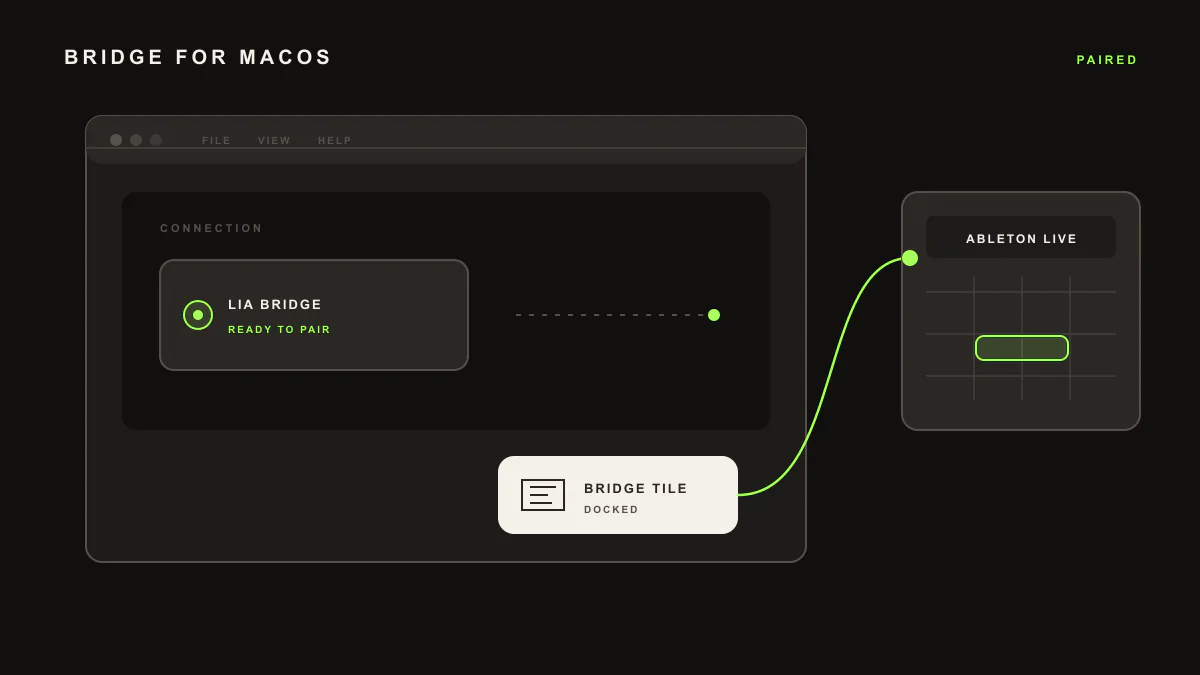
LIA Bridge is the small helper app that connects LIA to Ableton Live. Install it once on macOS, select it under Control Surface in Ableton, and LIA can create editable MIDI and run session actions in your Live Set from your browser, on desktop or phone.
Last updated:
Requirements: macOS 12 or newer, Ableton Live 12, and an active LIA account. LIA Bridge supports Apple Silicon and Intel Macs.
What LIA Bridge does
LIA Bridge is a companion app that links LIA to your Ableton Live session. You install it once. After that, LIA can create editable MIDI, build patterns, and run session actions inside Ableton on macOS, while you talk to LIA from your browser, on desktop or phone. Everything LIA writes stays fully editable in Ableton: you can move notes, swap instruments, and keep working as usual.
Install steps
- Download
LIABridge-x.y.z.zipfrom your LIA account under Settings, then Download Bridge. - Unzip the package and double-click
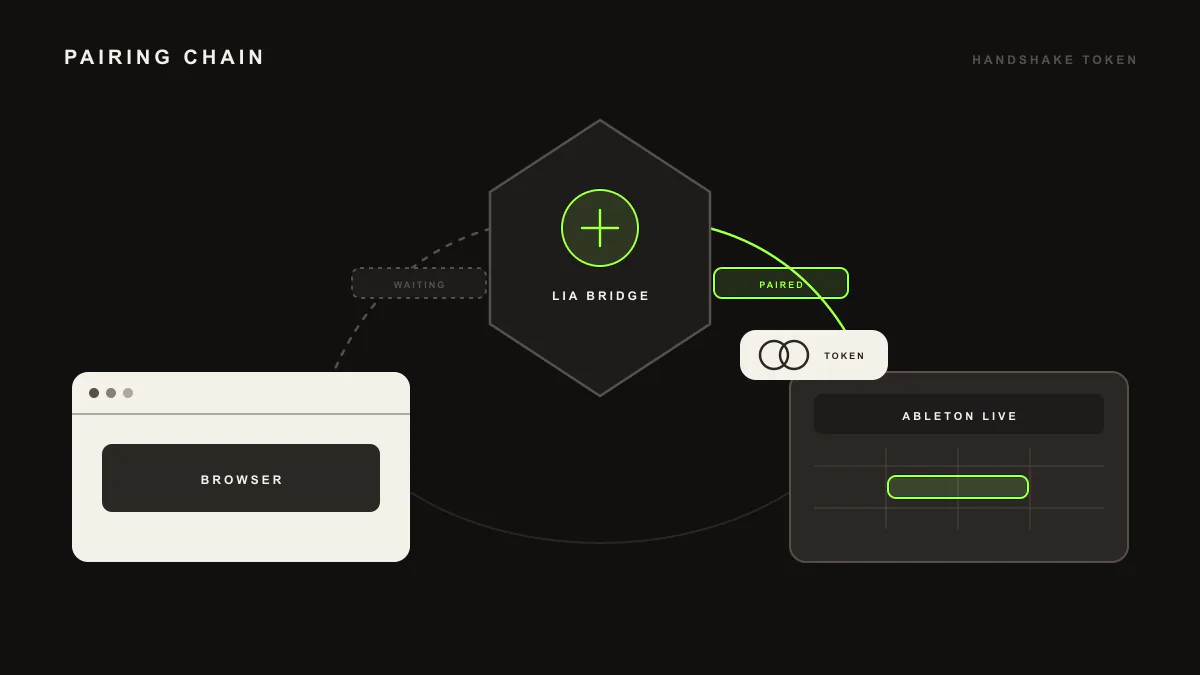
Install LIA Bridge.command. If macOS asks for permission, choose Open. Paste the pairing token from LIA Settings, then Connectors, when prompted. - Restart Ableton Live so it detects LIA Bridge.
- In Ableton Live, open Live → Settings → Link, Tempo & MIDI. In a free Control Surface slot, select LIABridge and leave Input and Output set to None.
- Open LIA and sign in. The dashboard should show Bridge Connected within about 10 seconds.
The installer copies the Remote Script to ~/Music/Ableton/User Library/Remote Scripts/LIABridge/.
Verify it works
Open http://127.0.0.1:9999/pairing/status in a browser. It should return JSON with ok:true and has_pairing_token:true. Then ask LIA for a simple MIDI idea, such as a short chord progression or a basic drum pattern. If the editable clip appears in your Live Set, the Bridge is working.
Uninstall LIA Bridge
Follow the LIA Bridge uninstall guide to remove the Remote Script and any optional watchdog files, configuration, and logs. Restart Ableton Live after removal so the Control Surface entry clears.
Troubleshooting
If LIABridge does not appear in the Control Surface list, confirm that the Remote Script folder exists at the path above, then quit and reopen Ableton Live. The Bridge runs inside Live, so there is no separate app to start. For update or version mismatches, download and run the latest LIA Bridge package.
For connection drops, sound routing, and other issues, see the full troubleshooting guide.
Next steps
New to LIA? Start with getting started. On Windows instead? Follow install LIA Bridge on Windows.
LIA Bridge on macOS: common questions
Is LIA Bridge safe, and what does it access?
LIA Bridge connects your Ableton Live session to your LIA account and does what you ask. It runs locally inside Ableton Live as a Remote Script, and nothing runs in your session without your request.
Does it work on Apple Silicon and Intel Macs?
Yes. LIA Bridge runs on both Apple Silicon and Intel Macs. Download the latest LIA Bridge package from your LIA account and run the installer.
Do I need LIA Bridge for the browser app?
Only for in-session Ableton actions. You can chat with LIA from your browser without it. LIA Bridge is what lets LIA create MIDI and run actions inside your open Live Set.
How do I update LIA Bridge?
Download and run the latest LIA Bridge package from your LIA account. Then restart Ableton Live so it picks up the update.