
Glossary
LIA Glossary
LIA is an AI assistant that works inside Ableton Live on macOS and Windows. You type or speak in natural language and LIA helps create editable MIDI, build beats, and adjust your session, while you stay in control. This glossary defines the terms used across LIA in plain language. Ableton Live is the current Bridge integration; other DAWs are not live integrations yet.
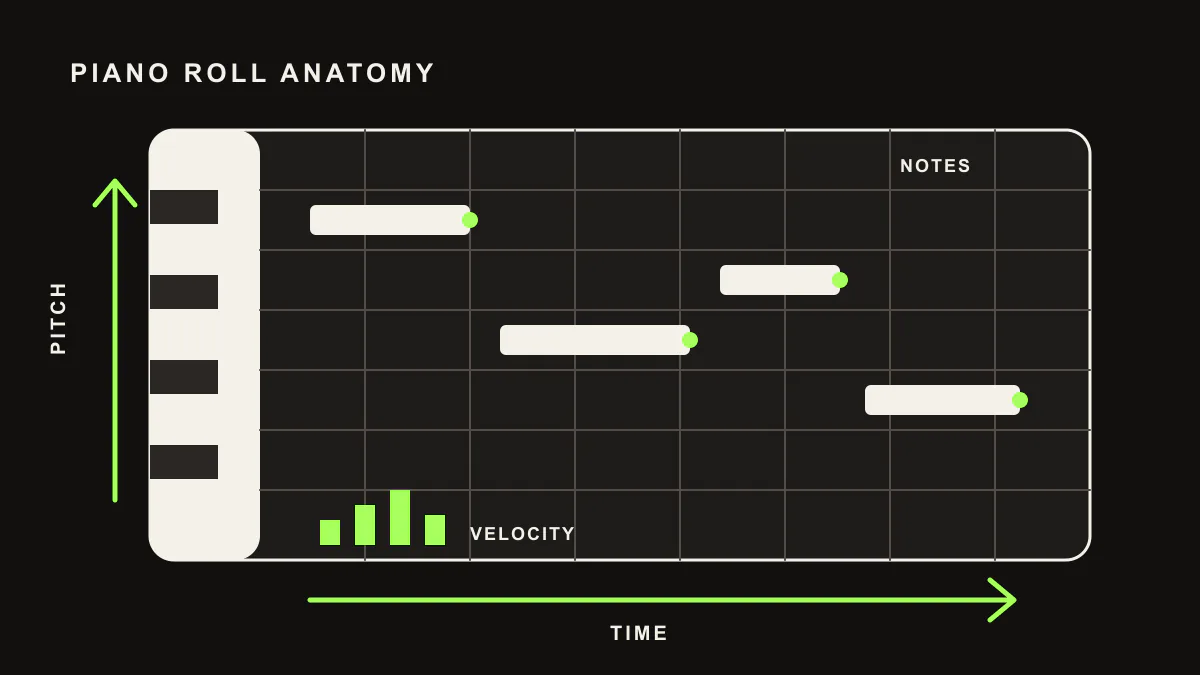
Terms
The words behind LIA, in plain language
- 01
AI assistant for Ableton Live
A tool that interprets natural-language requests and turns them into actions and editable material inside an Ableton Live session. LIA is an assistant, not a finished-track generator: every note and clip it creates stays editable.
- 02
Beat building
Programming drum patterns and rhythmic ideas inside Ableton clips. You can specify genre, tempo, groove, and density, then edit the result.
- 03
Drum scan
Reading the stock drum kits and instruments that ship with the DAW so LIA can reference sounds you already have when building patterns.
- 04
Editable output
Everything LIA produces stays as editable MIDI, clips, and session changes you can inspect, adjust, or undo. You keep creative control and own your work.
- 05
LIA Bridge
A lightweight local application that connects LIA in the browser to Ableton Live on your computer. The Bridge ships for Ableton Live on macOS and Windows. It sends control commands only, never your audio or project files.
- 06
MIDI generation
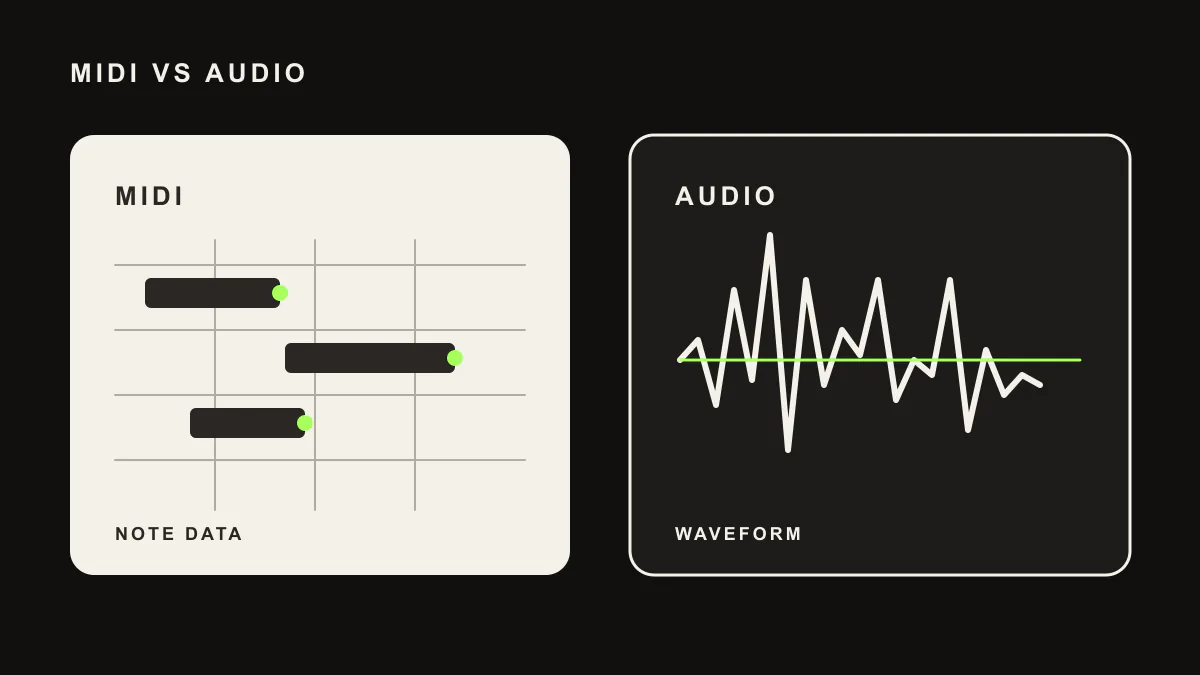
LIA creates melodies, chords, basslines, and drum patterns as editable MIDI inside your Ableton session. This is different from audio generators that return a flattened file you cannot edit at the note level.
- 07
Natural-language control
Typing or speaking what you want ("add a four-bar drum pattern at 132 BPM") and having LIA carry it out inside Ableton Live, instead of clicking through menus.
- 08
Pro Tip Apply
Applying reachable preset or parameter routing inside Ableton Live through the Bridge, where supported, so a suggested setting can be set up for you.
- 09
Reference-based generation
Guiding a request with a reference such as a genre, a scene influence, a tempo, or a groove ("make it like a deep house groove"). The reference acts as direction, not as a request to copy protected material.
- 10
Voice control
Speaking commands to LIA from your browser, on desktop or phone; LIA carries them out in your Ableton session. The DAW Bridge integration remains Ableton Live on macOS and Windows.
- 11
Waitlist DAW
A DAW other than Ableton Live (for example Logic Pro, FL Studio, Cubase, or Pro Tools) that you can join the waitlist for. These are not current LIA Bridge integrations; the live integration is Ableton Live on macOS and Windows.
MIDI generation, visually
Editable MIDI vs. a rendered audio file
FAQ
Frequently asked questions
What is LIA?
LIA is an AI assistant that lets you control Ableton Live on macOS and Windows with natural language. It creates editable MIDI and session changes inside the DAW instead of returning a finished black-box audio file.
Which DAW does LIA support?
Ableton Live on macOS and Windows is the current Bridge integration. Other DAWs are not live integrations yet.
Is LIA a music generator?
LIA generates MIDI and musical ideas, but it does not output finished audio files. It helps you create and refine music inside Ableton Live, and every note stays editable so you keep control.
How does LIA control Ableton Live?
You type or speak a request in the browser or app. A lightweight local Bridge connects LIA to Ableton Live on macOS or Windows and carries out the request inside your session.
Get started
Start in your browser, free
Learn more about LIA for Ableton Live, explore the feature list, or join the waitlist.