
10 Best AI Plugins for Music Production in 2026
Short answer: The best AI plugins for music production in 2026, by job: LIA for Ableton control and mix suggestions (waitlist, not a traditional plugin), MIDI Agent for MIDI generation, Scaler 2 for chords, iZotope Neutron and Sonible smart:EQ for mixing, Ozone and LANDR for release prep, Synplant 2 for sound design.
AI has worked its way into every corner of music production. You can now find AI-powered tools for composition, mixing, release prep, sound design, and full DAW control. But the market is crowded, and not every tool calling itself "AI-powered" delivers meaningful value over traditional approaches.
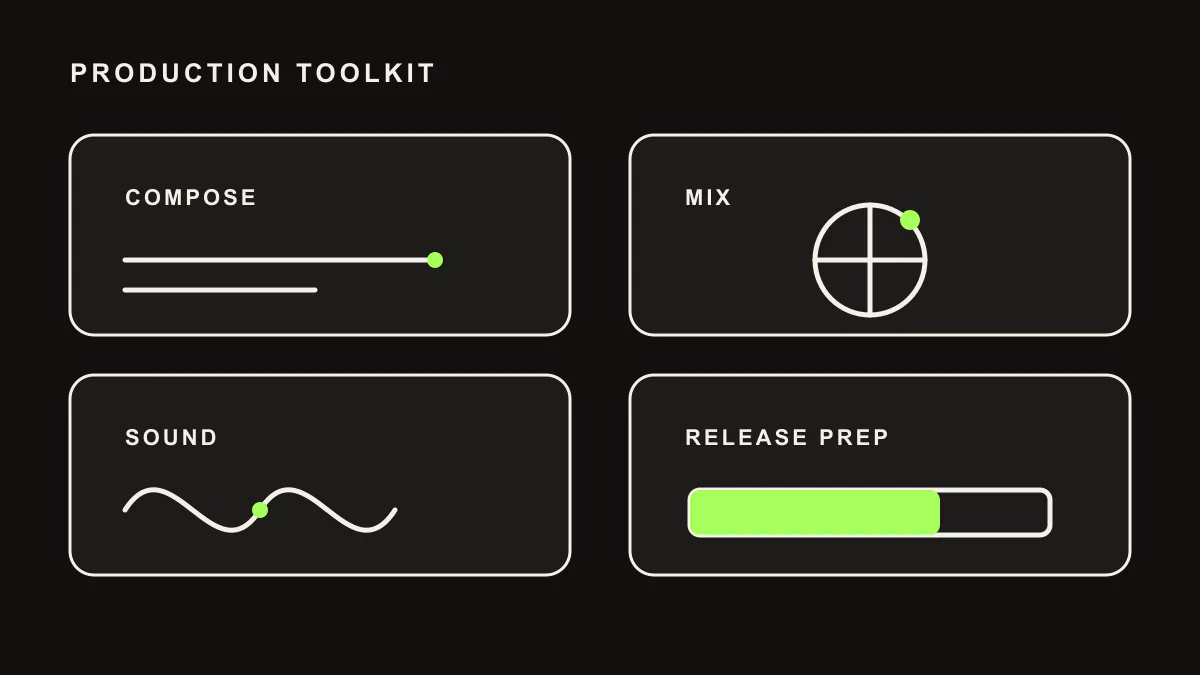
This guide organizes the ten best AI tools for music production in 2026 into four categories: DAW control and composition, mixing, release prep, and sound design. For each tool, we cover what it does, who it is for, and whether the AI actually improves your workflow or is just marketing.
DAW Control and Composition
1. LIA: Best for DAW Control + AI Composition + Mix Suggestions
LIA is the most comprehensive AI tool for music production available today, and it is important to be upfront about what it is: LIA is not a VST plugin in the traditional sense. It is a web application that connects to Ableton Live through a local bridge (LIA Bridge). You chat with LIA in your browser, and it executes directly in your running Ableton Live session.
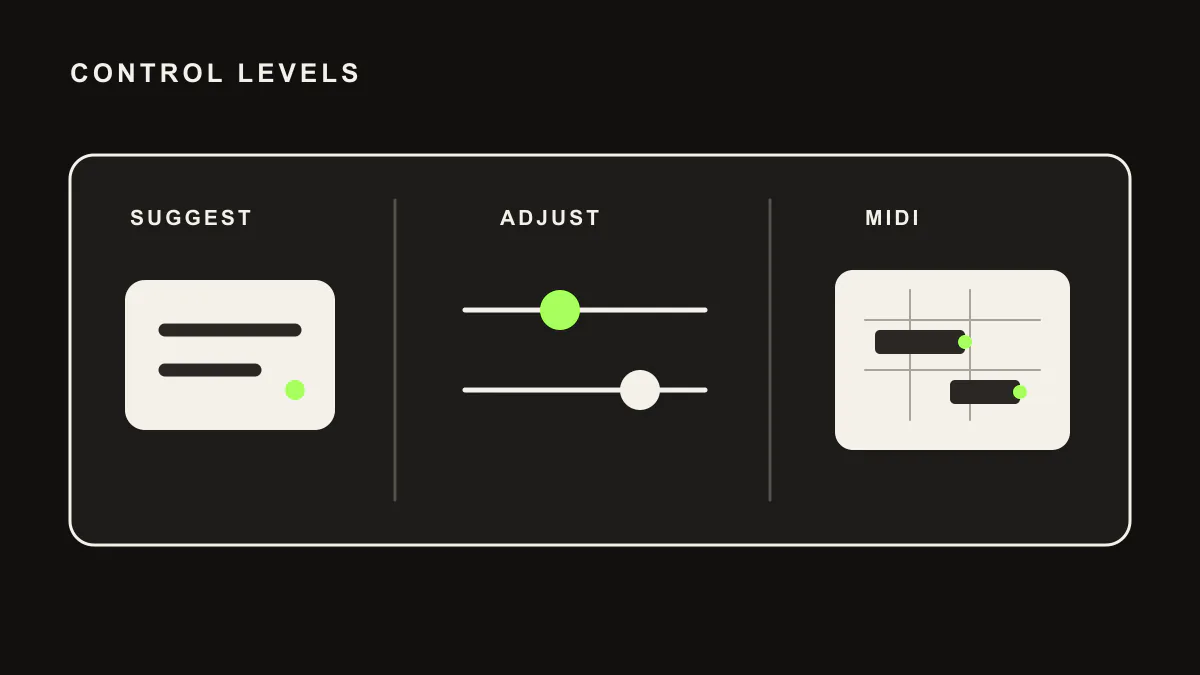
Why does it top a list of "AI plugins"? Because it spans more workflow than a typical plugin. LIA helps with composition, arrangement, sound direction, session management, and mix suggestions through a single natural language chat interface. You can create tracks, write MIDI for drums, bass, melodies, and chords, and shape your arrangement through conversation. On the mixing side, LIA gives suggestion-level EQ, compression, reverb, saturation, delay, and Drum Buss ideas you decide whether to apply.
The genre-aware production covers a wide range of electronic styles, from techno to ambient, house, drum and bass, trance, and more. The multi-device access lets you control your session from your phone, tablet, or another computer. And the multi-language support means you can work in any language you prefer.
An honest note about LIA's mixing capabilities: LIA approaches mixing as suggestion-level guidance and reachable parameter changes where supported. Neutron analyzes your audio spectrum and suggests adjustments based on what it hears. Both approaches have value, and many producers will benefit from using both: LIA for rapid setup and creative mix ideas, and Neutron or Ozone for analytical review with spectral analysis.
LIA is currently on a waitlist. It does not generate audio files. All output is MIDI and DAW control.
Pros
- Broad AI workflow tool for music production. Helps with composition, arrangement, mix suggestions, and Ableton control.
- Offers suggestion-level EQ, compression, reverb, saturation, delay, and Drum Buss ideas where supported.
- Multi-device access: control your session from phone, tablet, or any browser.
- Multi-language support and genre-aware production across a wide range of electronic styles.
Cons
- Not a traditional VST plugin. Runs as a separate web application with a bridge.
- Currently waitlist-based.
- No audio file generation.
Pricing
Free tier available. Premium plans for advanced features. Join the waitlist.
2. MIDI Agent: Best Dedicated MIDI Generation Plugin
MIDI Agent is a genuine VST plugin that generates MIDI clips from text prompts using LLM technology. Load it on any MIDI track in your DAW, describe what you want, and get a MIDI clip you can edit and assign to any instrument.
Unlike LIA, MIDI Agent is a traditional plugin that runs inside your DAW's process. There is no external app, no browser, no bridge. This simplicity is its main appeal. If you want an AI MIDI generator that fits seamlessly into a conventional plugin workflow, MIDI Agent is the cleanest option available.
The output quality is good for chord progressions and melodies. Complex rhythmic patterns and genre-specific nuances are less reliable. MIDI Agent has no awareness of your session context (tempo, key, existing tracks), so you need to specify these details in your prompts.
Pros
- True VST plugin. Runs natively inside your DAW.
- Good chord progression and melody generation.
- One-time purchase, no subscription.
Cons
- MIDI generation only. No DAW control, mixing, or effects.
- No session context awareness.
Pricing
One-time purchase around $49-69.
3. Scaler 2: Best for Chord Exploration
Scaler 2 is not AI in the LLM sense, but it uses intelligent algorithms that many producers categorize alongside AI tools. It helps you explore chords, scales, progressions, and voicings through a visual interface that is both educational and practical.
Scaler detects chords from MIDI input, suggests progressions based on music theory rules, and lets you experiment with harmonic ideas quickly. It understands borrowed chords, modal interchange, and advanced harmonic concepts. For producers who want a composition assistant that helps with harmonic decisions, Scaler fills a gap that even LLM-based tools do not fully address.
The distinction is that Scaler is a decision-support tool rather than an automated generator. It presents options and lets you choose. It does not take a text prompt and produce a finished result. For many producers, this level of involvement in the creative process is actually preferable to fully automated generation.
Pros
- Deep music theory knowledge with sophisticated chord suggestions.
- Chord detection from MIDI input.
- Educational value for learning harmony and composition.
Cons
- Not AI in the modern LLM sense. Algorithmic and rule-based.
- Requires manual interaction rather than automated generation.
Pricing
Around $49-69.
Mixing
4. iZotope Neutron 5: Best AI-Powered Mixing Plugin
iZotope Neutron is the industry standard for AI-assisted mixing, and version 5 continues to refine what the product does best: analyzing your audio and suggesting processing adjustments based on spectral analysis.
The Track Assistant listens to your audio and sets up an initial processing chain with EQ, compression, and other modules. The Mix Assistant analyzes your full mix and adjusts levels and processing across multiple tracks to achieve a balanced result. The AI does not make your mix sound perfect automatically, but it gives you a strong starting point that is often 70-80% of the way there.
Where Neutron excels is in its analysis-driven approach. It identifies frequency masking between tracks, suggests EQ cuts to reduce mud, and sets compression parameters based on the dynamics of your audio. This is a fundamentally different approach from tools like LIA, which apply settings based on your instructions and genre conventions rather than audio analysis.
The two approaches complement each other. Use LIA to set up your session, create tracks, apply initial effects, and make creative mixing decisions through conversation. Then use Neutron to analyze the result and make precision adjustments based on what it hears. This combination of conversational mixing and analytical mixing covers more ground than either tool alone.
Pros
- Industry-leading spectral analysis for mixing decisions.
- Track Assistant and Mix Assistant provide strong starting points.
- Frequency masking detection across tracks.
- Deeply integrated processing chain (EQ, compressor, gate, exciter, transient shaper).
Cons
- Expensive, especially as part of the full iZotope suite.
- CPU-intensive on multiple tracks simultaneously.
- Learning curve for understanding and overriding AI suggestions.
Pricing
Around $249 standalone. Often bundled in iZotope subscription plans.
5. Sonible smart:EQ 4: Best AI EQ
Sonible's smart:EQ 4 focuses on one specific mixing task and does it exceptionally well: intelligent equalization. The plugin analyzes your audio in real time and applies EQ adjustments that clean up problematic frequencies while preserving the character of the sound.
The AI processing happens continuously, adapting to changes in your audio. Resonances are tamed, muddy frequencies are reduced, and the overall tonal balance is improved. You can set target profiles for different instrument types (vocals, drums, bass, guitar) and the AI adjusts its processing accordingly.
What makes smart:EQ 4 stand out is its subtlety. The AI does not apply dramatic changes. Instead, it makes the kind of precise, surgical adjustments that an experienced mixing engineer would make after careful listening. The result is cleaner audio that still sounds natural.
Smart:EQ 4 also includes a group feature that analyzes multiple tracks simultaneously and reduces frequency masking between them. This is particularly useful for busy mixes where multiple instruments compete for the same frequency space.
Pros
- Excellent real-time adaptive EQ with AI analysis.
- Subtle, natural-sounding corrections that preserve audio character.
- Group mode for reducing frequency masking across tracks.
Cons
- EQ only. No compression, saturation, or other processing.
- AI adjustments can be too subtle for some mixing situations.
Pricing
Around $129.
6. TDR Nova GE: Best Dynamic EQ with Smart Detection
TDR Nova GE is a dynamic EQ with intelligent frequency band detection. While its AI features are less prominent than Neutron or Sonible, the plugin includes smart frequency detection that helps you identify and target problematic frequencies quickly.
The "GE" (Gentleman's Edition) adds features like wideband dynamics processing, a spectrum analyzer overlay, and more precise control over dynamic EQ behavior. The smart detection highlights frequencies that are likely problematic (resonances, buildup, harshness) and lets you address them with minimal effort.
TDR Nova GE is not as automated as Neutron or smart:EQ, but it offers more manual control for engineers who prefer to make their own decisions with AI-assisted guidance rather than fully automated processing. It is a professional tool that happens to use AI for detection rather than an AI tool that happens to do EQ.
Pros
- Excellent dynamic EQ with precise control.
- Smart frequency detection for identifying problems quickly.
- Lower CPU usage than more AI-heavy alternatives.
Cons
- Less automated than Neutron or smart:EQ. Requires more manual input.
- AI features are more limited. Primarily detection, not correction.
Pricing
Around $50-80. Free version (TDR Nova) available with fewer features.
Release Prep
7. iZotope Ozone 11: Best AI Release Prep Plugin
iZotope Ozone is the release prep counterpart to Neutron, and version 11 brings the same AI-driven approach to the release prep stage. The Ozone assistant analyzes your mix and sets up a release prep chain with EQ, dynamics, stereo imaging, and limiting based on your target loudness and reference style.
Ozone's AI works by comparing your mix against learned profiles of commercial references across multiple genres. It suggests processing that brings your mix closer to commercial loudness and tonal standards without over-compressing or distorting. The suggestions are a starting point, and experienced release prep engineers will always want to refine the AI's initial settings.
For producers who prepare their own release files (which is most independent producers in 2026), Ozone provides a level of quality assurance that is difficult to achieve without years of release prep experience. The AI does not replace a dedicated release prep engineer, but it gets you closer to a professional result than any other plugin.
Pros
- Comprehensive release prep chain with AI-driven setup.
- Ozone assistant provides genre-appropriate starting points.
- Reference track comparison for matching commercial standards.
- Excellent metering and visualization tools.
Cons
- Expensive standalone. Best value as part of iZotope subscription.
- AI suggestions need refinement for genre-specific release prep.
- Significant CPU load when using all modules simultaneously.
Pricing
Around $249 standalone. Available in iZotope bundles and subscriptions.
8. LANDR Plugin: Best Cloud-Based AI Release Prep
LANDR has been offering AI release prep as a cloud service for years, and their DAW plugin brings that same processing into your production environment. Load the LANDR plugin on your main bus, and it processes your mix through their cloud-based AI release prep engine in real time.
The advantage of LANDR's approach is simplicity. You choose a style and intensity, and the AI handles the rest. There are no complex parameter adjustments or processing chains to configure. For producers who want a quick, consistent delivery file without diving into the details, LANDR provides that with minimal friction.
The tradeoff is control. LANDR's AI makes all the decisions, and your influence is limited to broad style and intensity settings. For producers who want to understand and control their release prep chain, Ozone offers far more transparency and adjustability. LANDR is best for quick release files, reference checking, and producers who prioritize speed over precision.
Pros
- Extremely simple to use. Minimal parameters to adjust.
- Consistent results across different source material.
- Plugin format integrates into your DAW workflow.
Cons
- Very limited control over release prep parameters.
- Requires internet connection for cloud processing.
- Subscription pricing adds up over time.
Pricing
Subscription-based. Plans from around $9/month.
Sound Design
9. Synplant 2: Best AI Sound Design
Synplant 2 from Sonic Charge takes a radically different approach to sound design. Instead of adjusting knobs and parameters, you "grow" sounds from seeds. Plant a seed (a starting sound), and the synth generates variations that branch out in different sonic directions. You navigate through a visual garden of sounds, selecting the ones you like and growing further variations from them.
The AI in Synplant 2 uses genetic algorithms and neural networks to generate sounds that are related to your starting point but progressively different. This produces results that are genuinely surprising and impossible to achieve through conventional synthesis programming. You discover sounds you never would have designed intentionally.
Synplant 2 also includes a feature that analyzes audio samples and reverse-engineers synthesis parameters to recreate them. Feed it a recording of a sound you like, and Synplant attempts to create a synthesized version that you can then modify and evolve further.
For producers who value unique sounds and enjoy the exploration process, Synplant 2 is one of the most creative and genuinely innovative plugins available in 2026.
Pros
- Genuinely innovative approach to sound design. Discover sounds you would never program manually.
- Sound-matching feature recreates sounds from audio samples.
- Produces unique, organic-sounding patches.
Cons
- Less predictable than traditional synthesizers. Harder to design a specific sound intentionally.
- Learning curve for the seed-growing metaphor.
- Limited to the types of sounds Synplant's engine can produce.
Pricing
Around $149.
10. Output Arcade: Best AI-Curated Sample Platform
Output Arcade is a sample and loop platform that uses AI to curate and suggest content based on your production style and current project. It runs as a plugin inside your DAW and provides access to a constantly expanding library of loops, one-shots, and MIDI patterns.
The AI curation learns your preferences over time. The more you browse and use samples, the better Arcade becomes at suggesting content that matches your style. It also suggests samples based on the tempo and key of your current project, which reduces the time spent searching through large libraries for compatible content.
Arcade's "samplers" are self-contained instruments that process and transform the underlying samples in real time. You can manipulate pitch, timing, effects, and playback direction without leaving the plugin. This makes Arcade more than a sample browser. It is an instrument that uses samples as its raw material.
The AI features in Arcade are relatively subtle compared to the other tools on this list. They improve the browsing and discovery experience rather than generating new content. But for producers who spend significant time searching for the right sample or loop, the time savings are real.
Pros
- AI curation that improves over time based on your preferences.
- Tempo and key-matched suggestions reduce search time.
- Built-in manipulation tools transform samples beyond simple playback.
- Constantly expanding library with regular new content.
Cons
- Subscription required for ongoing access. Samples are not yours if you cancel.
- AI features are limited to curation and suggestion, not generation.
- Large library can feel overwhelming without the AI suggestions.
Pricing
Subscription from around $10/month.
Building Your AI Production Toolkit
No single tool covers every aspect of AI-assisted music production. The most effective approach is to combine tools from different categories based on your specific needs and budget.
A recommended starting combination for electronic music producers: LIA for Ableton Bridge control, MIDI generation, and creative mix suggestions, plus Neutron or smart:EQ for analysis-driven mix refinement. This keeps LIA scoped to the producer workflow instead of claiming unshipped audio processing.
If budget is a concern, LIA's free tier combined with the free version of TDR Nova provides a surprisingly capable AI-assisted workflow at zero cost. Add Scaler 2 for chord exploration, and you have a strong foundation for AI-assisted production under $70.
For sound design enthusiasts, Synplant 2 adds a dimension of sonic exploration that no other tool on this list provides. And for producers who work heavily with samples, Arcade's AI curation can save hours of browsing time each week.
Comparison Table
| Tool | Category | Plugin Format | DAW Support | Price |
|---|---|---|---|---|
| LIA | DAW Control + Composition + Mix suggestions | Web app + Bridge | Ableton Live | Free tier + Premium |
| MIDI Agent | MIDI Generation | VST3 | Any VST host | ~$49-69 one-time |
| Scaler 2 | Chord Exploration | VST3/AU | Any VST/AU host | ~$49-69 |
| iZotope Neutron 5 | AI Mixing | VST3/AU/AAX | Any major DAW | ~$249 |
| Sonible smart:EQ 4 | AI EQ | VST3/AU/AAX | Any major DAW | ~$129 |
| TDR Nova GE | Dynamic EQ | VST3/AU/AAX | Any major DAW | ~$50-80 |
| iZotope Ozone 11 | AI Release Prep | VST3/AU/AAX | Any major DAW | ~$249 |
| LANDR Plugin | Cloud Release Prep | VST3/AU | Any VST/AU host | From $9/mo |
| Synplant 2 | AI Sound Design | VST3/AU | Any VST/AU host | ~$149 |
| Output Arcade | AI Sample Curation | VST3/AU | Any VST/AU host | From $10/mo |
Frequently Asked Questions
Do I need AI plugins if I already know how to mix and produce?
AI plugins do not replace skill. They accelerate workflow. Even experienced engineers use tools like Neutron to speed up initial setup, and tools like LIA to handle repetitive session management tasks. The value is not in the AI making better creative decisions than you. It is in the AI handling execution faster so you can focus on the decisions that matter.
Can AI mixing plugins produce professional-quality results?
AI mixing plugins like Neutron and smart:EQ produce excellent starting points that are often close to professional quality. However, the final 10-20% that distinguishes a good mix from a great mix still requires human judgment, critical listening, and contextual decision-making. Use AI plugins as starting points and refine from there. Do not expect them to replace a skilled mixing engineer for critical releases.
Should I use LIA or Neutron for mixing?
Use both for the best results. LIA is useful for creative mix ideas through conversation: asking for effect directions, genre-appropriate starting points, and reachable parameter suggestions. Neutron excels at analytical mixing: identifying frequency masking, suggesting corrective EQ, and balancing dynamics based on spectral analysis. They address different aspects of mixing and complement each other well.
Are subscription-based AI plugins worth the recurring cost?
This depends on how often you use them. If an AI plugin saves you an hour per session and you produce regularly, the time savings easily justify a $10-15 monthly subscription. If you produce occasionally, one-time purchase tools offer better value. Calculate the time saved per session and compare it to the cost. Most productive producers find that even one or two AI plugins pay for themselves quickly in saved time.
Will AI plugins make all music sound the same?
This is a common concern but largely unfounded in practice. AI plugins process your specific audio and respond to your specific instructions. Two producers using the same AI tools will produce different results because their source material, creative intentions, and decision-making are different. The risk of homogenization is higher with preset-based tools than with AI tools that adapt to context. AI plugins are more likely to diversify your sound (by helping you try things you would not otherwise attempt) than to flatten it.
Related Guides
Producing in a specific DAW? See the dedicated guides: the best AI tools for Ableton Live, the best AI tools for FL Studio, and the best AI tools for Logic Pro. If MIDI writing is your focus, read the best AI MIDI generation tools, and for the assistant vs generator question, see AI music assistant vs AI music generator.
Ready to add AI-powered DAW control and mix suggestions to your production toolkit? Join the LIA waitlist and start producing smarter.