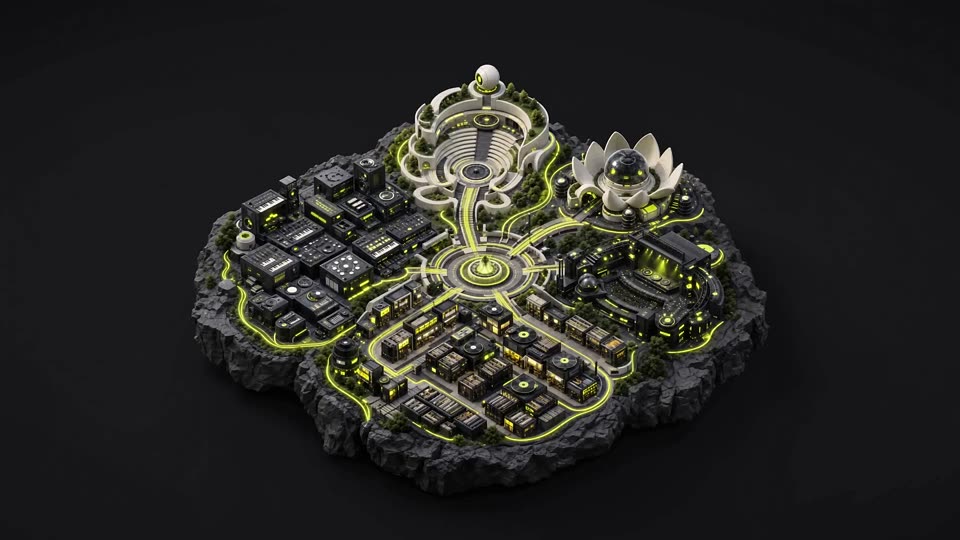
01 / 07 THE WORLD OF LIA
LIA Plugin, the AI copilot for music producers.
LIA works with Ableton Live through LIA Bridge today. Describe the move, and it builds editable MIDI, beats, and session changes while you stay in control.

LIA works with Ableton Live through LIA Bridge today. Describe the move, and it builds editable MIDI, beats, and session changes while you stay in control.

Start with a bassline, rebuild the drums, shape a sound, or keep an idea moving. LIA works in the session, and every result stays open to your hands.
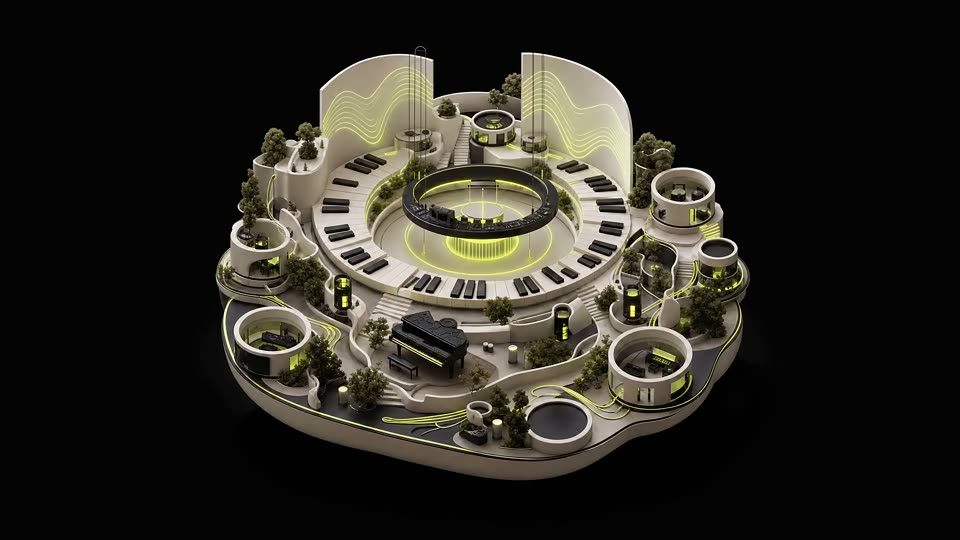
Ask how a production move works, then use Pro Tip Apply to bring it into the Ableton Live session. Hear the change, adjust it, and keep going.

Bring a direction, and LIA shapes editable MIDI from the brief. The session stays yours.

Set the genre, tempo, key, and feel. LIA shapes patterns, harmony, basslines, and sound choices around that direction, ready for you to refine.
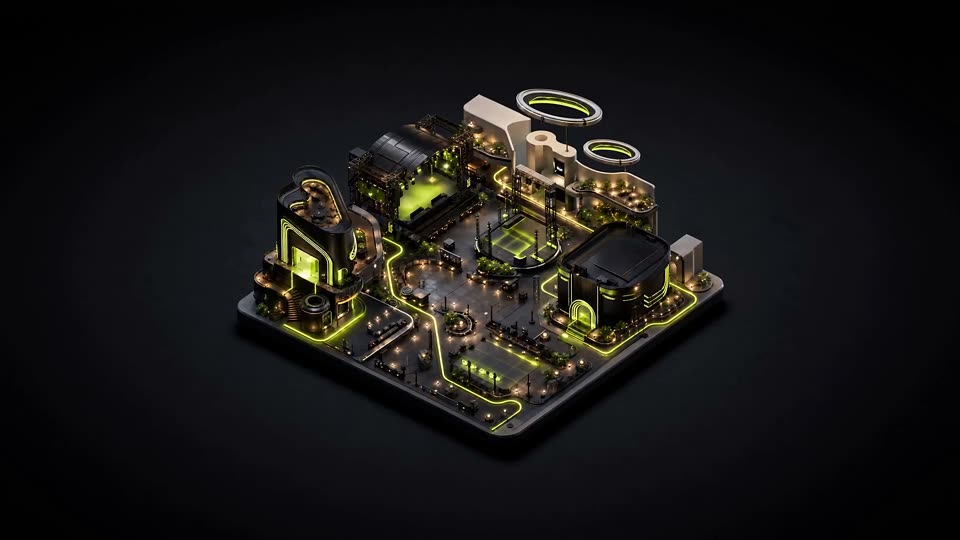
Push the drums, sharpen the sound, and ask for mixing suggestions that serve the track. You make every final call.
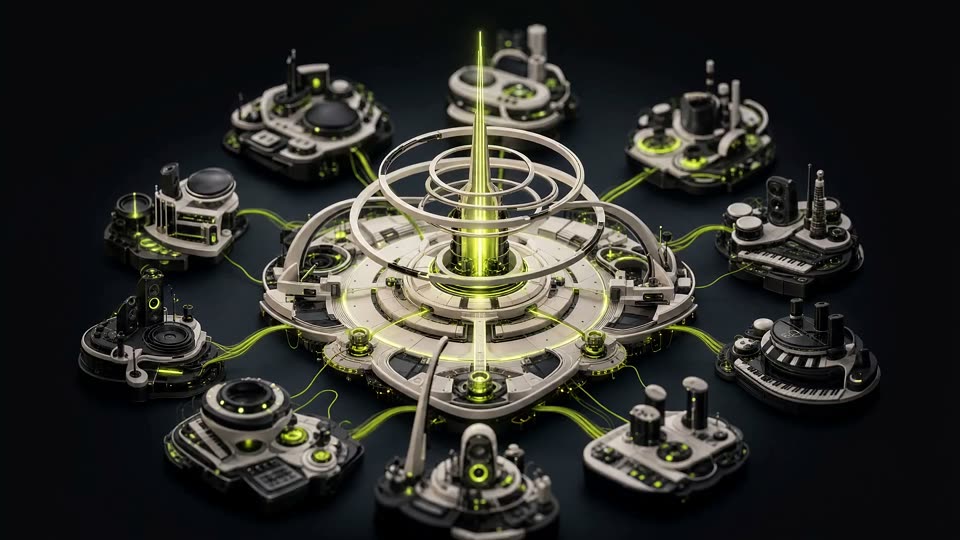
Use chat and keep the session moving. Talk Mode is planned for launch on supported plans. LIA works with the stock instruments and kits in Ableton Live, and every result stays editable.
LIVE IN ABLETON
These are the capabilities LIA can describe in the present tense today. The Bridge works with Ableton Live on macOS and Windows.
Create editable melodies, chords, basslines, and drum patterns inside Ableton Live.
Describe the feel and build a pattern that stays open to your edits.
Use a style or reference direction for new editable MIDI.
Turn production guidance into changes you can inspect and keep shaping.
Refine the same idea through a back-and-forth instead of starting over.
Ask for sound choices and session changes in plain language.
Get suggestions for levels, EQ, and compression, then choose what to use.
Realtime Talk Mode is planned for launch on supported plans.
LIA reads the stock instruments and drum kits your DAW ships with, so results use sounds you already have.
ONE CONNECTED WORKFLOW
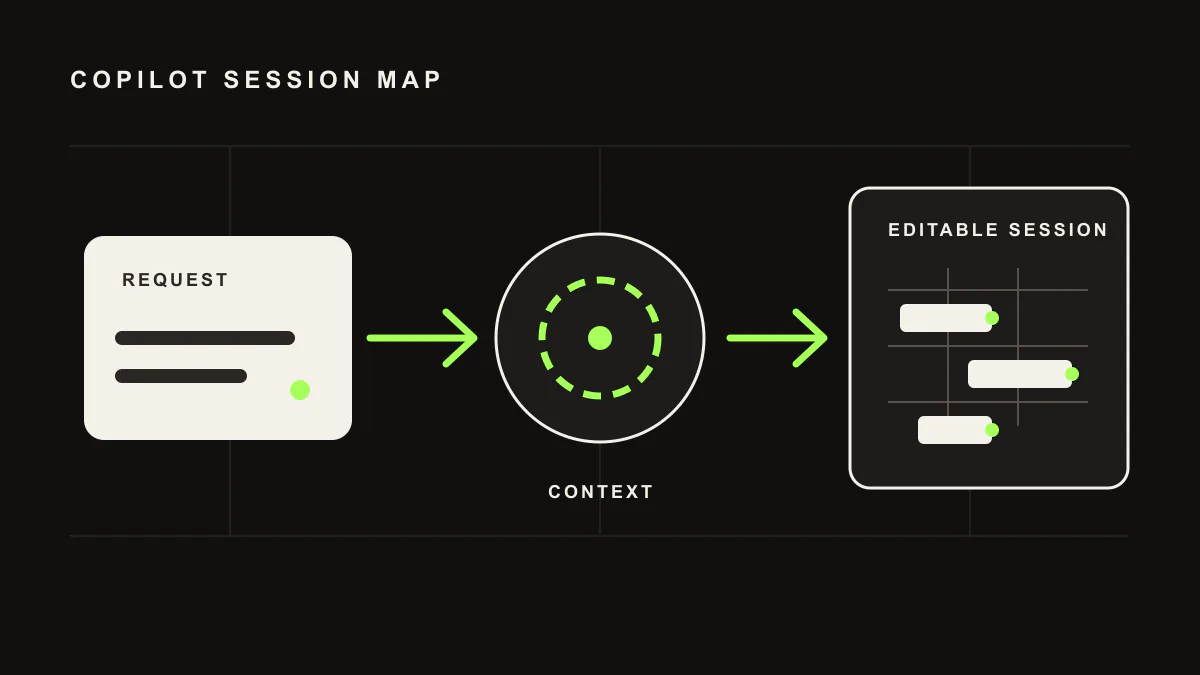
Use LIA in the web app or mobile PWA today; the mobile app, iOS app, and macOS app are in development and planned for launch. The LIA Bridge connects that conversation to Ableton Live on your Mac or Windows computer.
Type or speak a production request in plain language.
LIA creates or refines editable material in the Ableton Live session.
Keep, edit, or reject every result. The session remains yours.
GO DEEPER
See the difference between an editable session workflow and locked output.
PRICINGFind the plan for your sessions.Compare the current plans and the productions included with each one.
DEMOWatch LIA in action.See the current Ableton workflow before joining the waitlist.
TODAY AND NEXT
Join the waitlist for launch news and updates for your DAW. Just your email. This does not create an app account.
FAQ
LIA stands for Live Intelligent Assistant. LIA is for music creators and can sit alongside any DAW or workflow. “Live” because it works with the material in your session as you produce. “Intelligent” because it understands natural language in any language you speak, while the interface ships in 10 languages. “Assistant” because LIA helps you produce and keeps you in control, instead of replacing you. Native direct control is a separate capability, and today it is available for Ableton Live through LIA Bridge.
No. LIA creates editable MIDI, beats, and ideas from natural language. It does not output finished audio files and it does not replace you. With native direct control in Ableton Live, every MIDI note, track, and effect stays fully editable inside your session. You keep full creative control.
You type a command in the chat, or use Realtime Talk Mode, planned for launch on supported plans, for supported Ableton Live actions like “create a 4-track beat at 130 BPM” or “add reverb to the vocals”. LIA understands your request and sends supported commands through the LIA Bridge on macOS or Windows.
Ableton Live is the live integration through the LIA Bridge on macOS and Windows. Other DAWs are not live integrations yet. Join the waitlist for updates as LIA expands.
Yes. You can ask LIA to generate MIDI patterns, melodies, chord progressions, and drum patterns directly inside Ableton Live. You can then edit and customize everything.
No. LIA is designed for producers of all levels. Beginners can describe what they want in plain language. Experienced producers can use detailed technical commands.
Remote workflows are available on supported plans. You can use the browser and mobile web app while the LIA Bridge connects to Ableton Live. A native mobile app, iOS app, and macOS app are in development and planned for launch.
LIA understands any language. The interface is available in English, Italian, German, Spanish, French, Portuguese, Dutch, Japanese, Korean, and Chinese.
LIA doesn’t generate music. It assists you in creating it. Your compositions, MIDI, and audio are 100% yours. You own everything you create with LIA.
No. AI is a tool, like a synthesizer or a drum machine. LIA makes you faster, not replaceable. The creative decisions are always yours.
Generic chatbots can discuss music production, and finished-audio tools render audio files. LIA is different: it connects natural-language intent to editable Ableton session output through the LIA Bridge.
Yes, there’s a free plan with daily usage included. Paid plans start at €24.99/month for more usage and features.
LIA is a product workflow for producers. It combines browser access, multilingual prompting, Ableton Bridge control, plan-gated remote access, and editable session output without asking the producer to assemble a developer stack.
No DAW plugin, Python setup, or config files. LIA works from your browser, and the lightweight LIA Bridge connects to Ableton Live on macOS or Windows. Remote workflows from the browser on your phone are available on supported plans.
Today LIA handles editable MIDI generation from prompts and references, beat building, conversational refinement, and mix suggestions in the Ableton workflow. Realtime Talk Mode is planned for launch on supported plans.