
Control Ableton Live from your phone
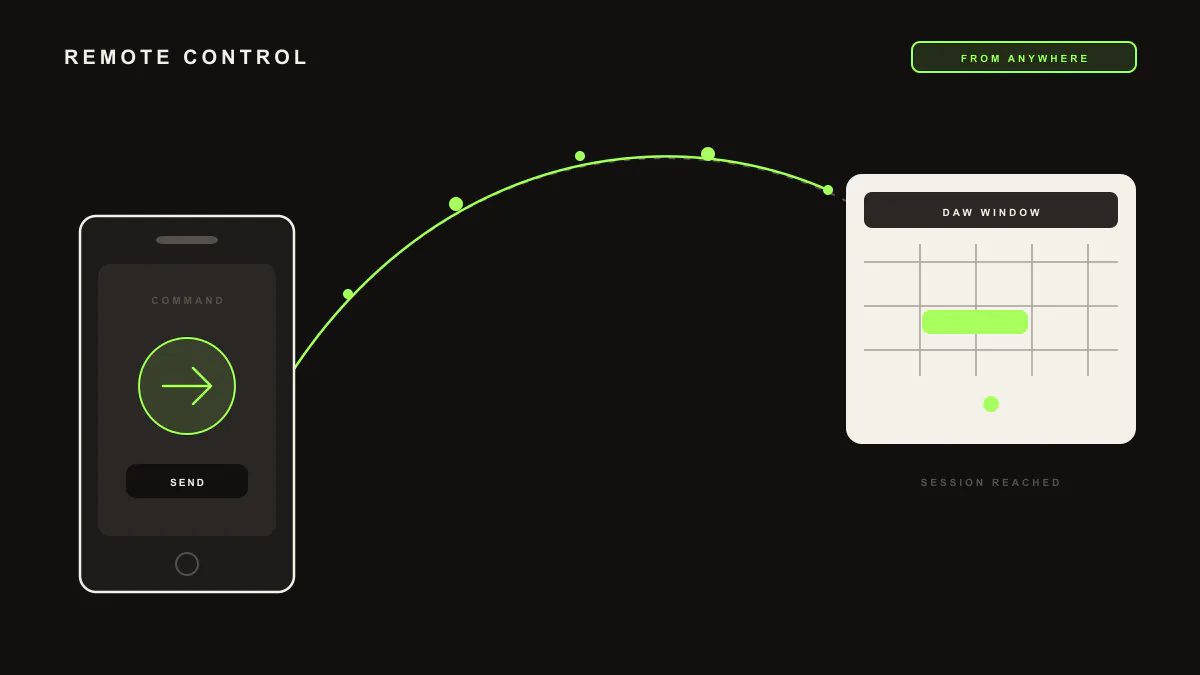
LIA runs in your browser, so you can drive your Ableton Live session from your phone while LIA Bridge, the small helper app that connects LIA to Ableton Live, stays connected on the computer running Ableton. Ask for editable MIDI or session actions from the couch and they land in your set on the desk.
Last updated:
LIA runs in your browser, so you are not tied to the machine running Ableton Live. Open LIA on your phone, and as long as LIA Bridge, the small helper app that connects LIA to Ableton Live, is connected on the computer running Ableton, your requests land in that session. Everything mirrors the full command catalog.
How it works
- On the computer running Ableton Live, connect LIA Bridge to your set on macOS or Windows.
- On your phone, open LIA from the browser and sign in to the same account.
- Type or speak a request. LIA runs it in the Ableton Live session the Bridge is connected to.
- Editable MIDI and session actions appear in your set on the desk, so you can step back and keep shaping ideas from the couch.
- Refine in place: ask for a variation or a change and LIA updates the session.
Example prompts
Two you can send from your phone, and the result you should expect in the session on the desk:
-
"Build a four bar dub techno beat around 122 BPM"gives you editable MIDI clips for drums, bass, pad and lead in your Ableton Live set, ready to open when you walk back to the desk. -
"Launch the first scene and drop the tempo to 120"launches that scene and sets the tempo in the connected session, so you can audition ideas from across the room.
Mix suggestions stay suggestions here too: LIA proposes the moves and you choose which to apply. See the full breakdown in the command catalog.
What you need: LIA Bridge connected to Ableton Live on the computer running Ableton, on macOS or Windows, and LIA open in your phone browser on the same account. Remote access is how LIA runs, not a separate feature. Compare plans on pricing.
Limitation
Remote control runs the same shipped catalog as working at the desk: it does what the command catalog lists and nothing beyond it. LIA writes and edits MIDI and runs session actions, but it does not export audio of any kind and it does not scrub playback for you, so your phone drives the set, it does not stream it back.
Frequently asked questions
How do I control Ableton Live from my phone?
Open LIA in your phone browser and sign in to the same account. As long as LIA Bridge is connected to Ableton Live on the computer running Ableton, your requests run in that set. Nothing to install on the phone.
Do I need an app on my phone?
No. LIA runs from your browser, on desktop or phone, so there is nothing to install on the phone. LIA Bridge only needs to be connected on the computer running Ableton Live.
Does the Bridge run on my phone?
No. LIA Bridge runs on the computer running Ableton Live, on macOS or Windows. Your phone just opens LIA in the browser and talks to the same session.
What can I do remotely?
The same shipped catalog you have at the desk: create editable MIDI, build beats, run session actions like creating tracks and launching clips, and ask for mix suggestions. Remote is the same LIA, not a reduced set.
Which plan do I need?
Any plan that fits your work. Remote access is how LIA runs, not a separate paid feature. See the plan breakdown on the pricing page.
Next: browse the command catalog, set up in getting started, try voice control, or compare plans on pricing.