
The stock library scan
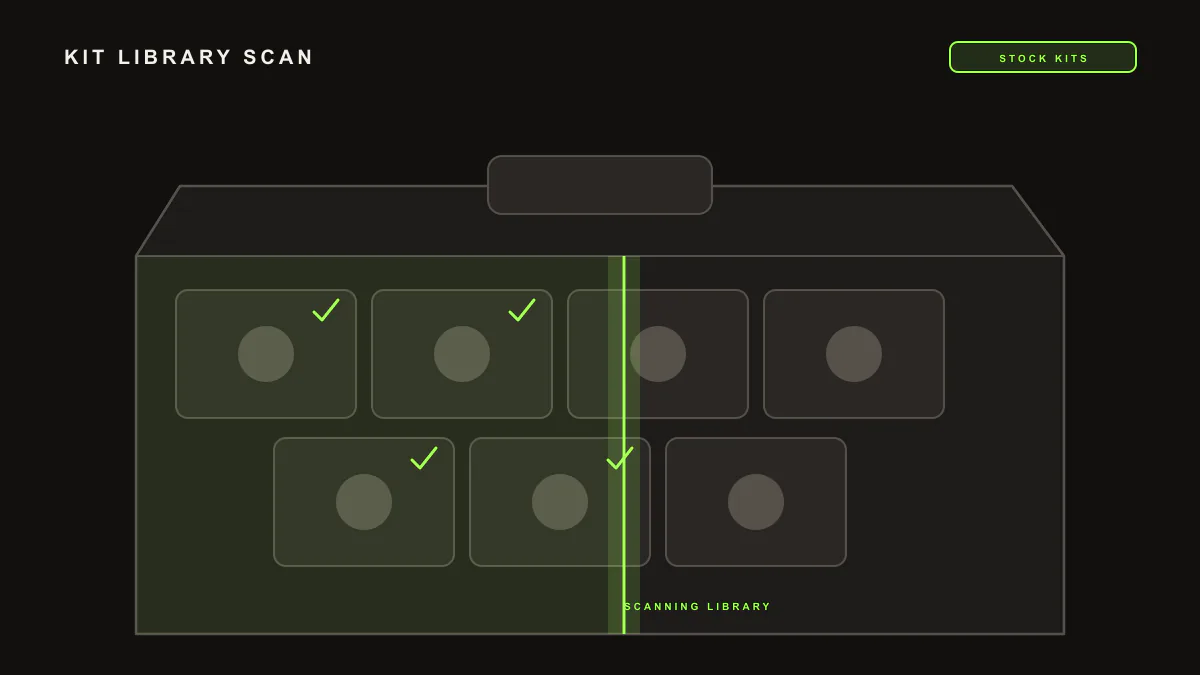
LIA reads the stock instruments and drum kits that ship with Ableton Live, so its suggestions point at sounds you already have in the DAW. Ask LIA for kits or sounds by name or character and it draws on that stock catalog through LIA Bridge, the small helper app that connects LIA to Ableton Live.
Last updated:
LIA works better when it knows which sounds are actually available. The stock library scan means LIA reads the stock instruments and drum kits your copy of Ableton Live ships with, so beats and suggestions use sounds you already have instead of naming things you would have to hunt down. It works through LIA Bridge, the small helper app that connects LIA to Ableton Live, and pairs with the full command catalog.
How it works
- Connect LIA Bridge to Ableton Live on the computer running Ableton, on macOS or Windows.
- LIA references the stock instruments and drum kits that ship with Ableton Live.
- Ask for a sound in plain language and LIA picks matches from that stock catalog.
- Use the results while you build: kits and instruments load from content already in Live.
Example prompts
Two you can type, and the result you should expect:
-
"Load a punchy analog style kick from the stock kits"picks a matching stock sound, so you can drop it straight into the kit you are building. -
"Build a beat with a 909 style stock kit"keeps the pattern grounded in drum kits your Ableton Live install already includes.
The stock awareness sharpens LIA's suggestions elsewhere too: when it proposes a sound, it leans on what ships with Live rather than naming a pack you may not own. See the full breakdown in the command catalog.
What you need: a paid plan and LIA Bridge connected to Ableton Live on the computer running Ableton, on macOS or Windows. Compare plans on pricing.
Limitation
The scan covers the stock Ableton Live content, and it reads rather than changes it. Personal sample libraries and third-party plugins are not part of the scan today. LIA does not export audio of any kind and it does not edit samples: the scan is about pointing at stock sounds you already have, not processing them.
Frequently asked questions
What does the stock library scan cover?
It covers the stock instruments and drum kits that ship with Ableton Live. LIA knows that catalog, so it can suggest kits and sounds by name or character that your Live install already includes.
Does it read my personal sample library or plugins?
No. Today the scan covers the stock Ableton Live content only. Personal sample libraries and third-party plugins are not part of the scan yet.
Do I need LIA Bridge for this?
Yes. LIA works with the stock library through LIA Bridge on macOS or Windows, so the Bridge needs to be connected on the computer running Ableton Live.
Does anything get uploaded?
No. LIA references the stock catalog to name and load sounds. It does not export or move your audio, and it does not edit samples.
Which plan do I need?
The stock library scan is available on paid plans. See the plan breakdown on the pricing page.
Next: browse the command catalog, set up in getting started, try voice control, or compare plans on pricing.