
What you can ask LIA to do
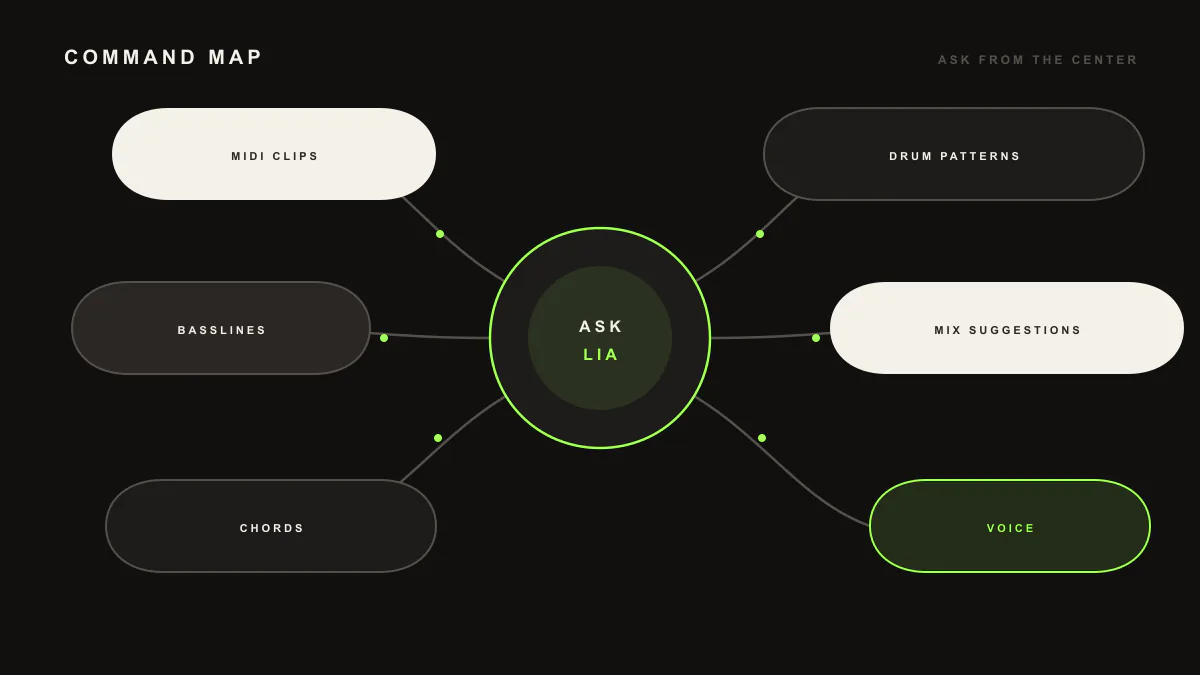
LIA turns plain language into editable MIDI and Ableton Live session actions through LIA Bridge, the small helper app that connects LIA to Ableton Live. You can create melodies, chords, basslines and drum patterns, build beats, refine ideas in conversation, run session actions, and get mix suggestions you choose to apply.
Last updated:
This is the reference catalog for everything LIA does today inside Ableton Live. For moving examples of these in a real session, see the live demos. New to LIA? Start with getting started, then connect LIA Bridge, the small helper app that connects LIA to Ableton Live, on macOS or Windows.
Every action below runs in Ableton Live through LIA Bridge on macOS and Windows. Keep the Bridge connected while you work. You talk to LIA from your browser, on desktop or phone.
Create MIDI
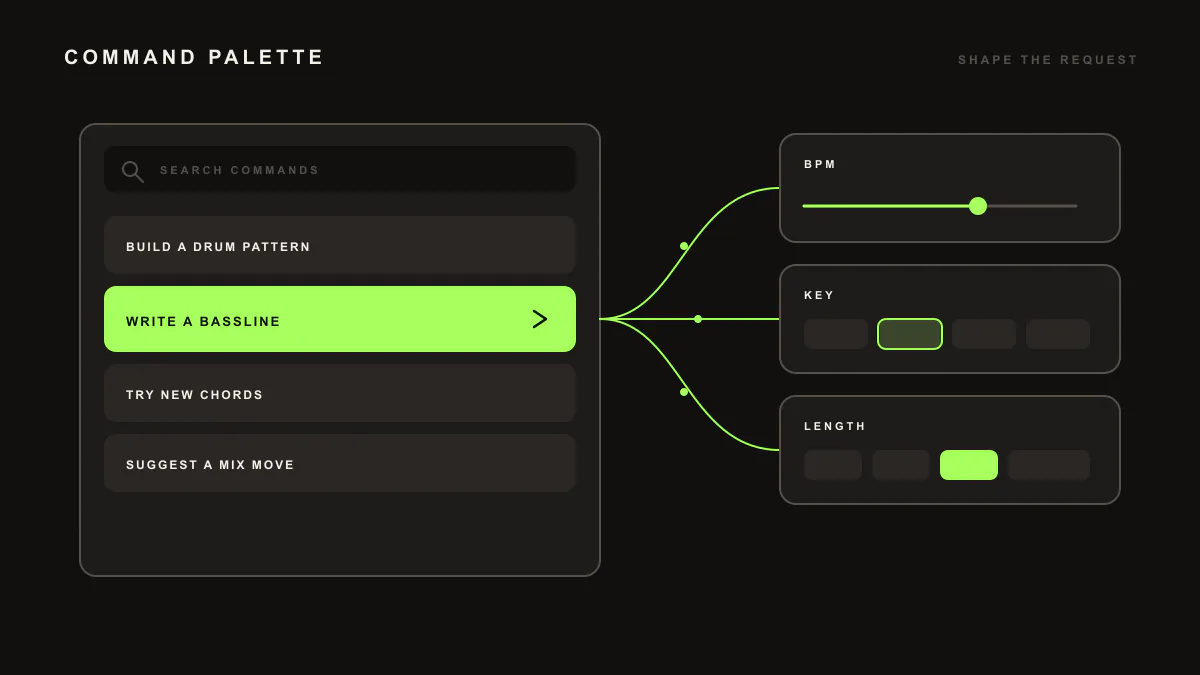
Ask for melodies, chord progressions, basslines or drum patterns in plain language. LIA writes the notes as editable MIDI so you can open the clip and change anything.
Example prompts
"Write a warm lo-fi chord progression in E flat minor""Give me a driving bassline that follows these chords""Create a simple 8 bar melody over this loop"
Expected result in the session: a new MIDI clip appears with the notes written in, ready to audition and edit note by note.
Requirement: LIA Bridge connected to Ableton Live.
Limitation: LIA writes editable MIDI. The notes land in your session for you to voice with your own instruments, rather than arriving as a finished audio file.
Build drums and beats
Describe the groove and LIA lays down a drum pattern you can shape. It knows the stock drum kits that ship with Ableton Live, so the pattern can reference sounds you already have.
Example prompts
"Build a heavy techno beat around 128 BPM""Make a boom bap drum pattern with a swung hi-hat""Add a busier hi-hat and a clap on the offbeat"
Expected result in the session: a drum MIDI clip with kick, snare, hats and percussion placed on the grid, ready to tweak or re-voice with your own kit.
Requirement: LIA Bridge connected. The stock library scan is part of the paid plans, from Starter up.
Limitation: LIA arranges drum patterns as editable MIDI that you voice with your own kits. The groove arrives as notes on the grid for you to shape.
Edit and arrange ideas
Keep the conversation going. Ask for variations, follow-ups and changes, and LIA reworks the idea in place so you can compare directions without starting over.
Example prompts
"Give me two variations of that chord progression""Make the melody darker and move it up an octave""Take that bassline and simplify it for the verse"
Expected result in the session: revised or additional MIDI clips reflecting your change, so you can keep the take you like and drop the rest.
Requirement: LIA Bridge connected.
Limitation: LIA edits the musical ideas and MIDI it works with. It follows your direction rather than automatically arranging a full track end to end.
Session actions in Ableton Live
LIA can act on the session for you: create tracks and load the ideas it generates into clips so the material lands where you want it.
Example prompts
"Create a new MIDI track for the bass and drop this idea into it""Put that drum pattern into a clip on the drum track""Add a track for the chords and load the progression there"
Expected result in the session: the track is created and the generated MIDI is loaded into a clip, ready to play back.
Requirement: LIA Bridge connected to Ableton Live on macOS or Windows.
Limitation: LIA performs the session actions it ships with today, focused on creating tracks and loading generated ideas into clips. It is not a general remote for every menu in Ableton Live.
Mix suggestions
Ask LIA how to improve the balance and it responds with concrete mix suggestions: EQ, compression and effect moves. These are suggestions only. You choose which ones to apply.
Example prompts
"How can I make room for the vocal in this mix?""Suggest EQ and compression moves for this bass""What effect could add space to the drums?"
Expected result in the session: a clear list of suggested moves you can try, applying the ones that fit while you keep full control of the mix.
Requirement: LIA Bridge connected.
Limitation: LIA suggests mix moves and leaves the decisions to you. It does not take over and mix the track for you.
Realtime Talk Mode (planned for launch)
Prefer to talk? Realtime Talk Mode is planned for launch on supported plans, for a live, back and forth voice conversation with LIA while you play. Voice follows the same catalog as text: the same creating, editing and session actions listed above. See the full walkthrough in voice control.
Example prompts
"Give me a darker pad under this""Double the hats and add a fill before the drop""Load that bassline into a new track"
Expected result in the session: the same editable MIDI and session actions you would get by typing, driven by your voice.
Requirement: LIA Bridge connected. Voice control with push-to-talk is included on paid plans from Starter up. Realtime Talk Mode, the live back and forth conversation, is planned for launch from Studio up. See the plan breakdown on pricing.
Limitation: Voice can do what the shipped catalog can do and no more. Naming a concrete action gets the cleanest result.
Frequently asked questions
Can LIA mix my track for me?
No. LIA gives mix suggestions such as EQ, compression and effect moves, and you decide which ones to apply. It suggests, you decide.
Does LIA output audio or MIDI?
LIA produces editable MIDI and Ableton Live session actions. You get notes, chords, basslines and drum patterns you can inspect and change inside your session, not a finished audio render.
Can I use my own samples?
You can voice every pattern with your own kits by hand, since results arrive as editable MIDI. For suggestions, LIA works with the stock instruments and drum kits that ship with Ableton Live.
What languages can I prompt in?
You can prompt LIA in 10 languages. The interface and conversation support English, Italian, German, Spanish, French, Portuguese, Dutch, Japanese, Korean and Chinese.
Does LIA replace Ableton Live?
No. LIA works inside your Ableton Live session through LIA Bridge. It creates and edits ideas alongside you and leaves you in control of the project.
Next: set up in getting started, learn voice control, watch the live demos, or compare plans on pricing.