
Getting started with LIA
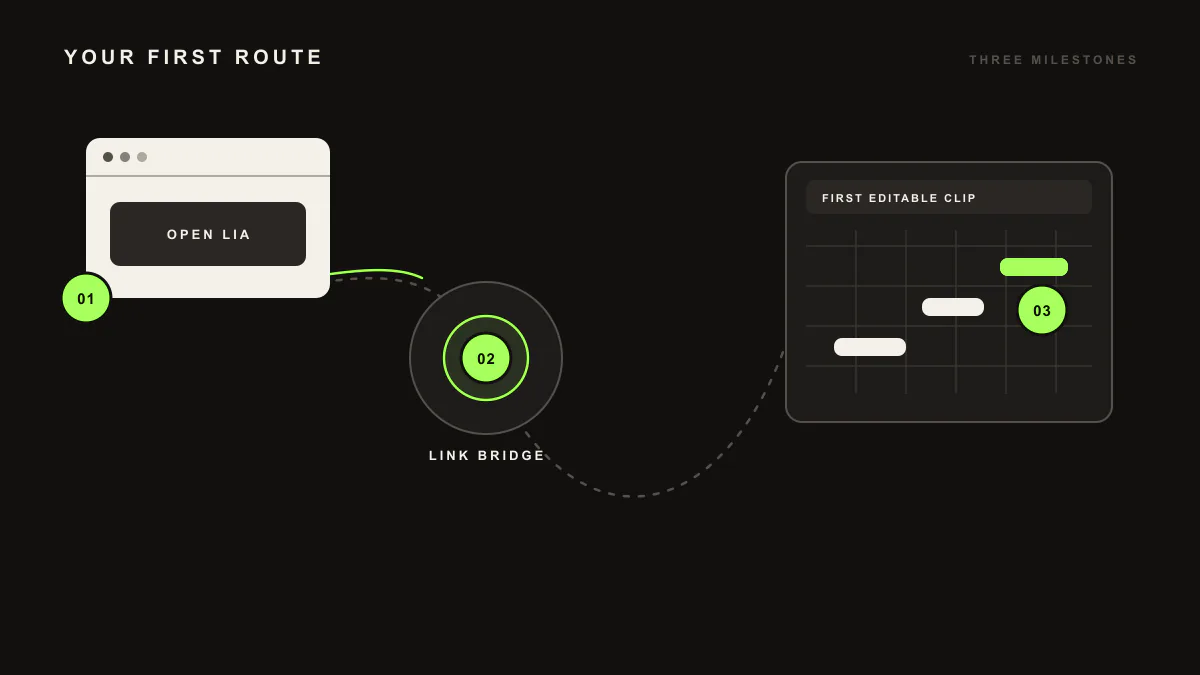
LIA is an AI music assistant for producers. To start, open LIA from your browser, install LIA Bridge for macOS or Windows, select it as a Control Surface in Ableton Live, and confirm the connection. Then ask for a first editable MIDI idea and refine it in conversation.
Last updated:
LIA is an AI music assistant for producers. You direct it in plain language from your browser, on desktop or phone, and it creates editable MIDI and beat ideas inside Ableton Live through LIA Bridge, the small helper app that connects LIA to Ableton Live. The web app is how you use LIA today; a native mobile app, iOS app, and macOS app are in development and planned for launch. This walkthrough takes you from a blank session to your first editable idea.
Your first session, step by step
- Join or open LIA from your browser, on desktop or phone.
- Download and install LIA Bridge for macOS or Windows. See Bridge on macOS or Bridge on Windows for the exact steps.
- Open Ableton Live 12, then go to Live → Settings → Link, Tempo & MIDI. In a free Control Surface slot, select LIABridge and leave Input and Output set to None.
- Confirm the connection in LIA. When the session is linked, LIA can act inside Ableton Live.
- Ask for a first editable MIDI idea in plain language.
- Refine it in conversation until it fits your track.
Requirements. A Free trial account works to get started and includes 10 total trial productions. LIA Bridge is required for in-session actions inside Ableton Live, so keep it installed and connected while you work.
A worked example
Once your session is connected, try a specific request. In the chat, type:
make me a 4 bar techno kick and bass groove at 130 bpm
What you get. LIA writes editable MIDI clips on matching tracks in the open Ableton Live session: a kick pattern and a bass part at 130 BPM across 4 bars. The clips appear ready to edit in the piano roll, so you can move notes, change the groove, and adjust velocities directly. Nothing is locked. LIA gives you a starting point and you keep full control.
From here, keep the conversation going. Ask LIA to make the bass darker, add a hat pattern, or shift the groove, and refine the idea one message at a time.
Known limitation
LIA works inside Ableton Live through LIA Bridge today. Support for other DAWs is on the waitlist, so if you produce elsewhere you can register interest and we will let you know as it becomes available.
Where to go next
- Commands: the range of requests LIA understands, from chords and basslines to full drum patterns and beats.
- Bridge on macOS and Bridge on Windows: install and connect LIA Bridge.
- Troubleshooting: what to check if the Bridge is not listed or the session shows as disconnected.
Frequently asked questions
Do I need to install anything to start?
You use LIA from your browser, on desktop or phone, so the chat needs no install. For in-session actions inside Ableton Live you install LIA Bridge, the small helper app that connects LIA to Ableton Live, on macOS or Windows.
Can I try LIA for free?
Yes. A Free trial account includes 10 total trial productions, which is enough to run through your first session and create a few editable MIDI ideas. To take in-session actions inside Ableton Live you also need LIA Bridge connected.
What can I ask LIA to make first?
Ask for an editable MIDI idea in plain language, such as a chord progression, a bassline, or a drum pattern. LIA writes it as editable MIDI clips on matching tracks in your open Ableton Live session, and you refine it from there.
Which DAWs does LIA support right now?
LIA works inside Ableton Live today through LIA Bridge on macOS and Windows. Support for other DAWs is on the waitlist, so you can register interest and we will let you know as it becomes available.