
Melody generation in Ableton Live
LIA writes melodies as editable MIDI inside Ableton Live through LIA Bridge, the small helper app that connects LIA to Ableton Live. Ask for a melody in conversation, or get a lead line as a layer of a full beat. The notes land in a clip you can open and change.
Last updated:
LIA writes melodies as editable MIDI into your Ableton Live session. You ask for a melody in the conversation, or you get a lead line as one of the layers of a full beat. There is no standalone one-click melody button: melodies live inside the conversational flow and the beat. New to LIA? Start with getting started, then connect LIA Bridge, the small helper app that connects LIA to Ableton Live, on macOS or Windows.
Everything here runs in Ableton Live through LIA Bridge on macOS and Windows. Keep the Bridge connected while you work. You talk to LIA from your browser, on desktop or phone.
How it works
- Open LIA in your browser and connect LIA Bridge to Ableton Live on macOS or Windows.
- Ask for a melody in the conversation, giving a key, mood or the chords you want it to follow.
- LIA writes the lead line as editable MIDI into a clip, shaped by the genre profile you name.
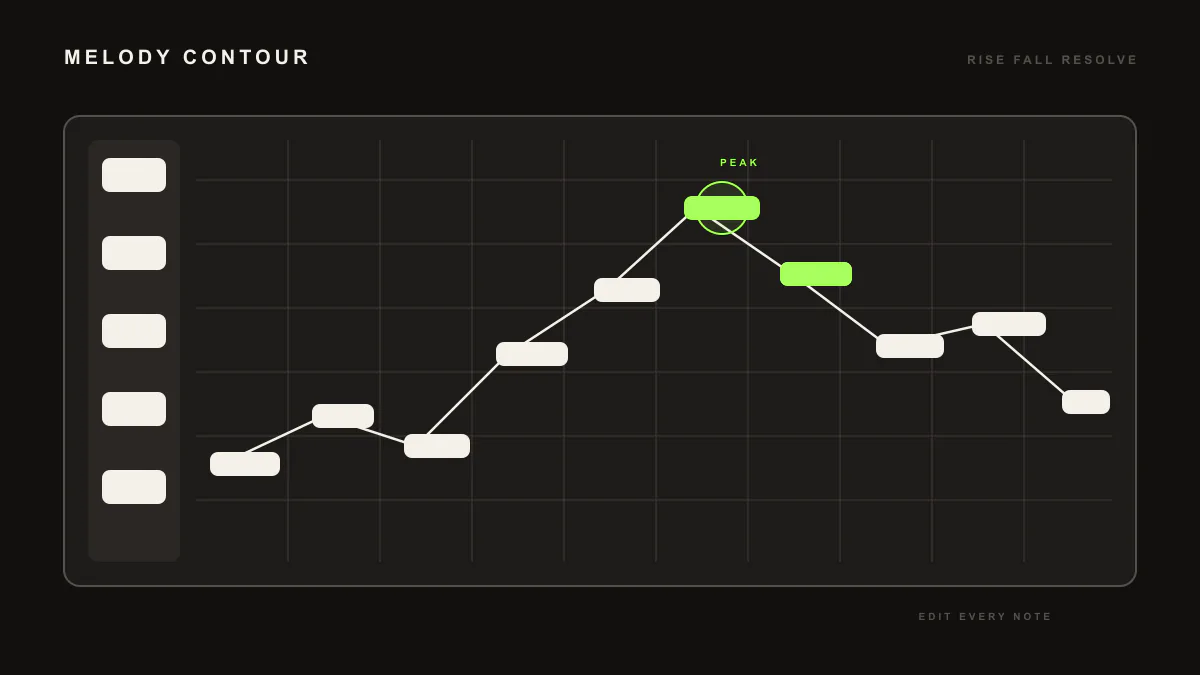
- Open the clip, audition it, and edit note by note. Ask for a darker, busier or higher version to rework it in place.
- Or ask for a full beat, and the melody arrives as the lead layer alongside drums, bass and pad.
Example prompts
"Write a melancholic melody in A minor over these chords"gives you a MIDI clip with a lead line that follows your harmony, ready to audition and edit."Build a synthwave beat"gives you a full beat as editable MIDI, and the lead layer is the melody you can open and change on its own track.
Requirement: LIA Bridge connected to Ableton Live on macOS or Windows. Melodies through conversation are available on the Free trial and every paid plan. Free includes 10 total trial productions. See pricing for Free, Starter, Pro, Studio, Studio Max and Founder.
One honest limitation
There is no standalone one-click melody generator. Melodies come from the conversation and from the lead layer of a beat, and they arrive as editable MIDI rather than as an audio render. LIA does not export audio of any kind.
Related guides
Pair a melody with chord progressions and a bassline, or get all the layers at once with the beat builder. See how MIDI generation works overall in MIDI generation, and the full catalog in commands.
Frequently asked questions
Is there a one-click melody button?
No. Melodies arrive through the conversation and as the lead layer of a full beat, not from a standalone one-click generator. You describe what you want and LIA writes the line as editable MIDI in a clip.
Can I edit the melody LIA writes?
Yes. The melody arrives as MIDI in a clip, so you can move, delete or add notes, shift the octave, and refine it in conversation. Ask for a darker or busier version and LIA reworks it in place.
Can LIA write a melody over my chords?
Yes. Share your chord progression in the conversation and ask for a melody over it. LIA writes a lead line that follows the harmony, as editable MIDI you can audition and adjust in the session.
Do I need LIA Bridge for melodies?
Yes, for the melody to land in your session. LIA Bridge connects LIA to Ableton Live on macOS and Windows. You talk to LIA from your browser, on desktop or phone, and the notes write into the connected session.
Does LIA output audio or MIDI?
Editable MIDI. The melody arrives as notes in a clip for you to voice with your own instruments, not as a finished audio render. Everything stays editable inside Ableton Live.
Next: set up in getting started, browse the full command catalog, or compare plans on pricing.