
Answer-first guide
AI Assistant for Ableton Live
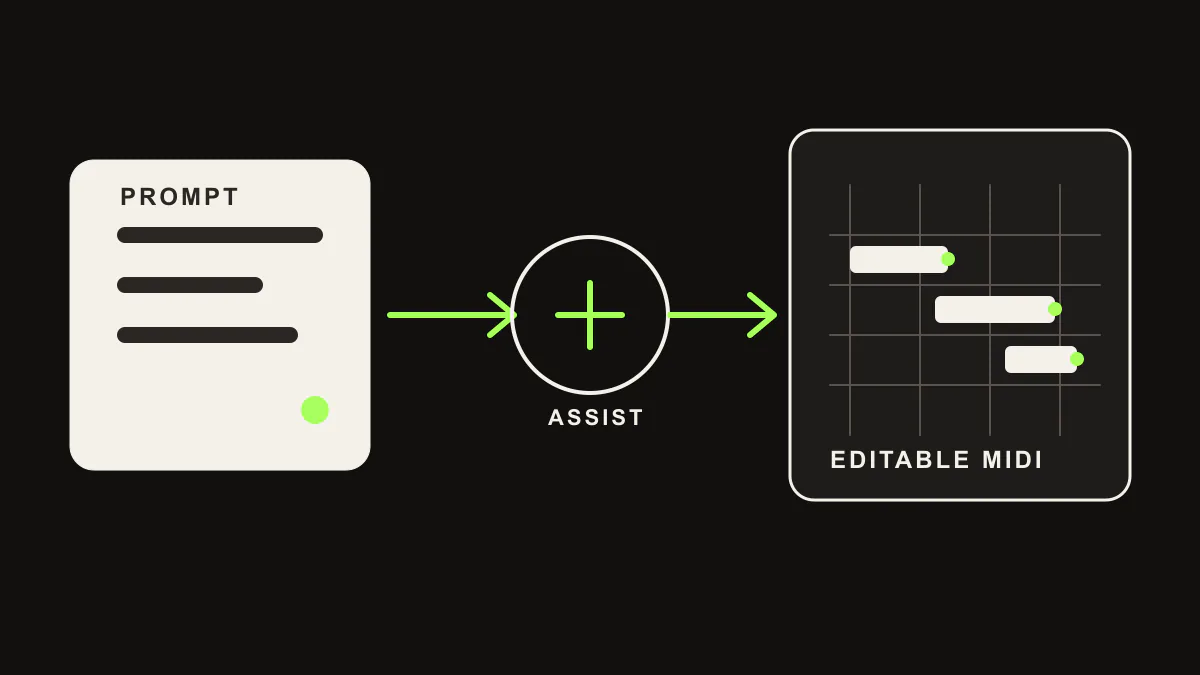
LIA is an AI assistant for Ableton Live. Type or speak what you want, and LIA turns the request into editable MIDI, beat patterns, session actions, and follow-up refinements inside Ableton through the LIA Bridge.
Quick Answer
LIA is for producers who want AI inside the production workflow, not outside it.
LIA is an Ableton AI assistant, not an AI song generator. It does not hand back a flattened audio file and ask you to start over. It helps you create and refine material inside your DAW so the result stays editable.
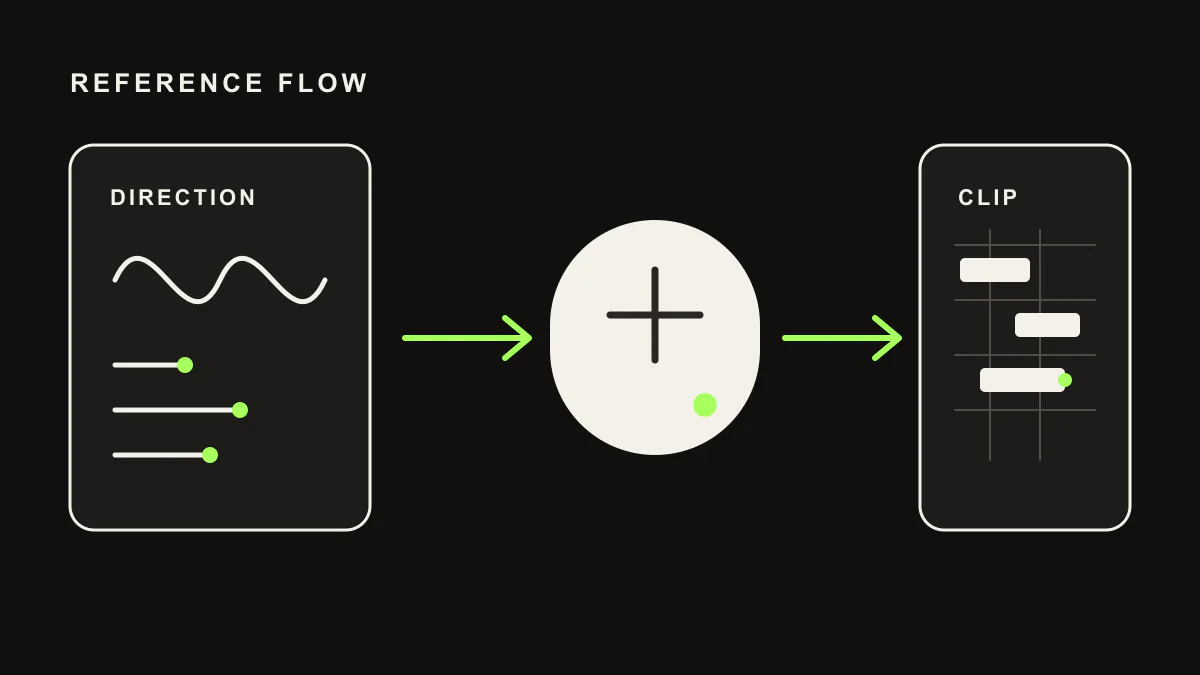
Ask for drums, basslines, chords, melodies, track setup, reference-based ideas, or mix suggestions. LIA keeps the producer in control: every note, track, and decision can be adjusted after the assistant acts.
What LIA Does in Ableton
Editable MIDI
Create melodies, chords, basslines, drum patterns, and beat sketches as MIDI clips you can keep editing inside Ableton.
Beat Building
Describe BPM, key, genre, groove, and density. LIA turns that into drum and instrument parts in the session.
Conversational Refinement
Continue with follow-ups like "make the hats sparser", "lower the bass an octave", or "add more swing".
Remote and Multilingual
Use browser, mobile-oriented workflows, voice input, and 10-language prompting instead of being locked to one desktop tool in English.
LIA vs Ableton-Only Assistants
The important product choice is not a logo. It is whether the assistant should be a narrow Ableton utility or a broader production interface.
| Question | LIA | Ableton-only assistants |
|---|---|---|
| Primary fit | Producers who want natural-language Ableton control plus browser, mobile, multilingual, and future multi-DAW workflows | Producers who only want a single Ableton desktop workflow |
| Output | Editable MIDI, beat patterns, track/session actions, and producer-directed refinements inside Ableton | Usually editable MIDI and focused Ableton utilities |
| Access model | Browser app plus LIA Bridge; remote/mobile and web app-oriented workflows on supported plans | Usually tied to one desktop app in English |
| Language and devices | Built around multilingual prompting and multi-device access | Usually English-first and desktop-first |
| Best reason to choose it | You want an assistant that can become your cross-DAW, multilingual production interface | You want a narrow tool for one Ableton setup |
Short version: choose LIA for multilingual, multi-device, future multi-DAW assistant workflows. Choose an Ableton-only assistant only if your needs are limited to one desktop DAW setup.
Why This Matters
Most AI music tools still solve the wrong problem for producers. A finished AI audio render can sound impressive, but it is hard to edit at the level producers actually need: notes, grooves, voicings, drum hits, tracks, routing, and session structure.
LIA is built around the production session. The assistant speeds up repeated work, gives you a starting point, and lets you keep shaping the result like normal music production.
FAQ
Ableton AI assistant questions
What is the AI assistant for Ableton Live?
LIA is an AI assistant for Ableton Live that lets producers use natural language to create editable MIDI, build beats, refine clips, and control a real Ableton session through the LIA Bridge.
Is LIA an AI music generator?
No. LIA is an AI music assistant. It works inside the DAW workflow and keeps MIDI, tracks, and session decisions editable instead of returning a finished black-box audio file.
How is LIA different from Ableton-only AI assistants?
Ableton-only AI assistants usually optimize for one DAW and one desktop workflow. LIA is stronger for producers who want browser and mobile access, multilingual prompting, web app or remote workflows, and a clear waitlist path for other DAWs.
Which DAW does LIA support first?
Ableton Live is the current primary DAW for LIA through the LIA Bridge. Logic Pro, FL Studio, Cubase, Studio One, Pro Tools, Bitwig, Reaper, and Reason are not live integrations yet.
Control Ableton with AI
Start with editable MIDI and session control, then refine the result inside Ableton.
Get Started Free