
LIA vs Suno: AI Music Assistant vs AI Music Generator
If you're exploring AI tools for music, you've probably come across both Suno and LIA. They sound like they belong in the same category, but they solve completely different problems. Understanding the difference will save you time and help you pick the right tool for how you actually make music.
What Suno Does
Suno is an AI music generator. You type a text prompt like "chill lo-fi beat with vinyl crackle and soft piano" and Suno produces a finished audio file. The output is a complete song with instruments, arrangement, and sometimes vocals. You can iterate on it, adjust the style, and regenerate variations.
Suno is designed for people who want a finished piece of music quickly. It works well for content creators who need background tracks, for reference material, or for exploring ideas before committing to a full production.
The limitation is control. The output is a single audio file. You cannot separate the kick from the bass. You cannot change the chord voicing in bar 12. You cannot swap the synth for a different one. If you are a music producer who works inside a DAW, this feels like getting a finished meal when you wanted access to the kitchen.
What LIA Does
LIA is an AI music assistant that connects directly to your DAW. Instead of generating an audio file, LIA executes real commands inside Ableton Live (with exportable MIDI workflows for other DAWs).
You type "create a 4-bar chord progression in C minor at 128 BPM" and LIA creates the MIDI clip, loads an instrument, and places it on a track in your actual session. You type "give me a darker bassline" and LIA writes the editable MIDI. When you want a mix tweak, LIA suggests EQ and compression settings you decide whether to apply.
Everything LIA creates is editable. Every MIDI note and every production choice stays in your DAW, with your instruments and your presets. LIA just makes the process faster.
The Core Difference
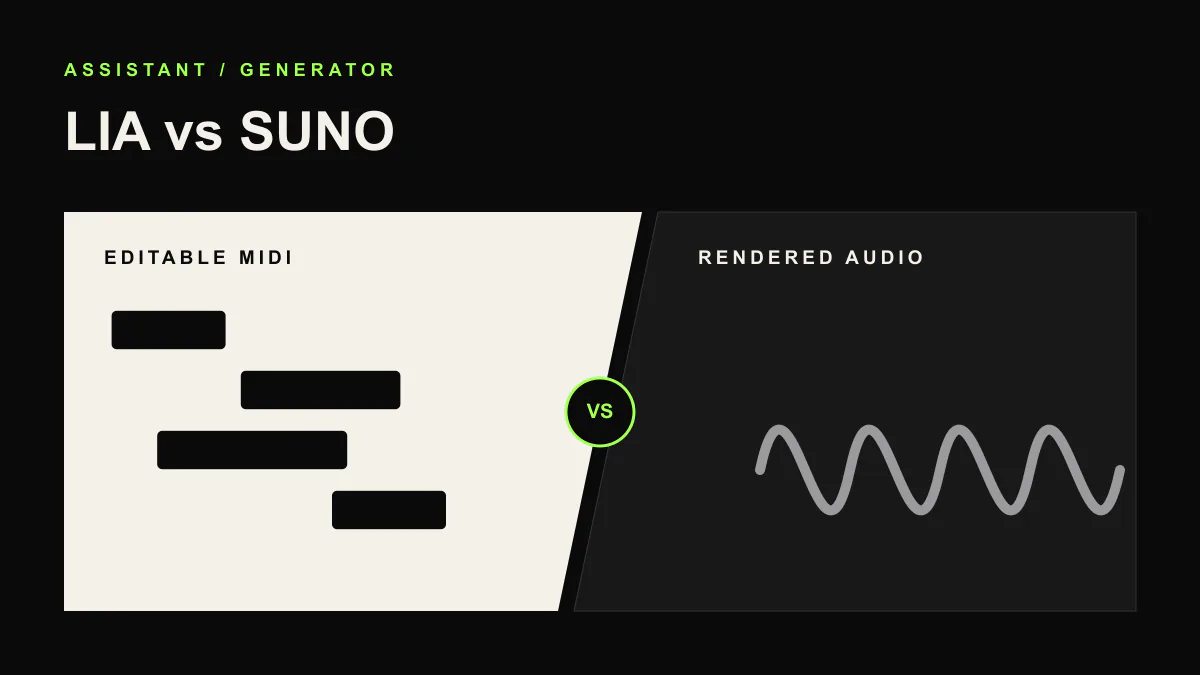
Suno makes music for you. LIA makes music with you.
This is not a quality judgment. It is a workflow difference. If you need a finished track and you are not a producer, Suno is the right tool. If you are a producer who wants to move faster inside your DAW without losing control, LIA is the right tool.
Feature Comparison
| Capability | LIA | Suno |
|---|---|---|
| What it produces | Commands inside your DAW | Finished audio files |
| DAW integration | Direct connection to Ableton Live | None |
| MIDI editing | Full access to every note | Not available |
| Your instruments and presets | Uses what you have installed | Uses its own models |
| Mixing and effects | Suggests EQ and compression settings you apply | Not available |
| Remote control | Works from phone, tablet, web app | Web and mobile app |
| Language support | Any language | English primarily |
| Output ownership | 100% yours, fully editable | Subject to Suno's terms |
| Who it's for | Music producers at any level | Content creators, hobbyists, ideation |
| Free plan | Yes | Yes |
When to Use Suno
Suno is a good choice when you need a complete track fast and do not need to edit individual elements. Podcast intros, video background music, mood boards, and creative exploration are all strong use cases. If you are not a producer and do not work in a DAW, Suno removes the need for one entirely.
When to Use LIA
Direct Bridge support is currently Ableton Live on macOS and Windows. For this DAW, use exportable MIDI and ideas or join the waitlist for support updates.
LIA is also the only option if you need to work with your own instruments, presets, and sound libraries. Since it operates inside your DAW, everything you build with LIA uses the tools you already own.
Can You Use Both?
Yes. Some producers use Suno to generate quick reference tracks or melodic ideas, then rebuild and produce the actual track in their DAW with LIA handling the heavy lifting. They are complementary tools, not competitors.
Related Comparisons
If you are researching AI tools for your DAW, check the other guides: LIA vs AbletonGPT, LIA vs Feater, and LIA vs AbletonMCP and open-source AI tools.
Try LIA
LIA is currently available for Ableton Live with a free plan included. Explore the full feature list or browse more comparisons on the LIA blog. Ready to try it? Join the waitlist at liaplugin.com.