
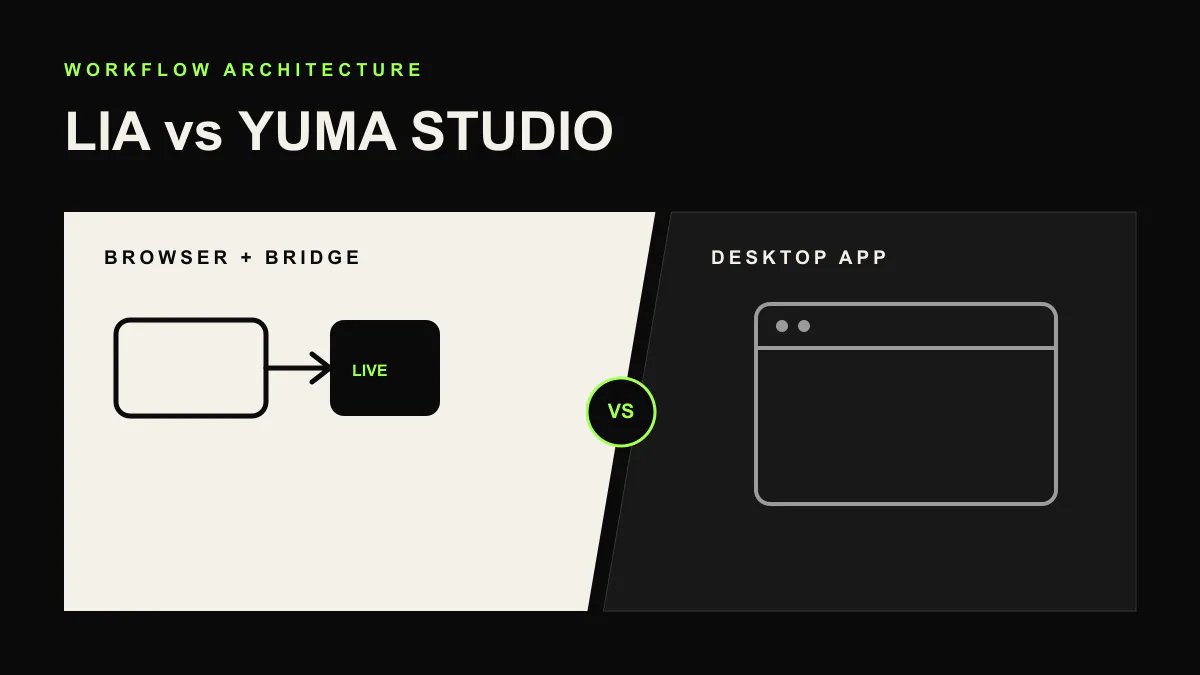
LIA vs Yuma Studio (formerly AbletonGPT): 2026 Comparison
Short answer: Yuma Studio (the rebranded AbletonGPT) is a native desktop app that chats with Ableton Live in English and generates both audio and MIDI. LIA is a browser-based AI music assistant connected through LIA Bridge: any language, remote control from any device, editable MIDI you stay in charge of, and a Free plan. Competitor facts as of June 2026.
If you searched for AbletonGPT recently and landed on yuma.studio, you did not imagine it: AbletonGPT rebranded as Yuma Studio in spring 2026 and kept building under the new name. Both Yuma and LIA sit in the same category, AI assistants that control Ableton Live through natural language, but they make different bets on platform, language, output, and pricing. Here is the honest comparison.
Same Category, Different Architecture
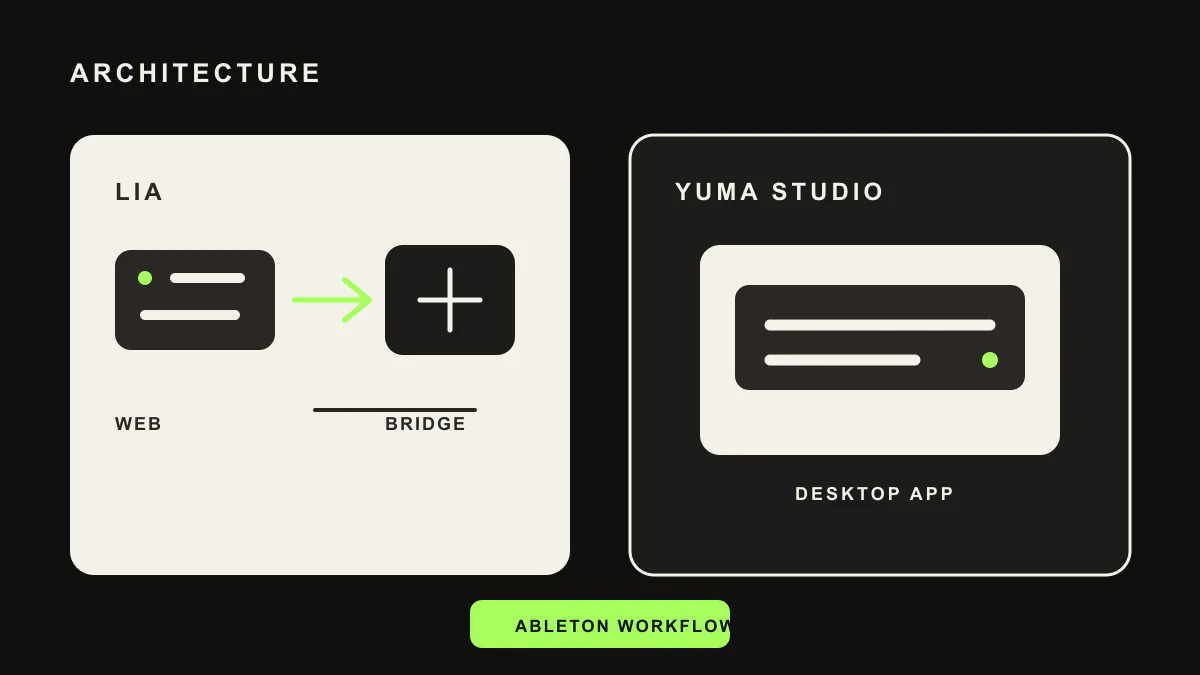
Under the hood, both tools take the deep-integration route for Ableton Live: a helper that talks to your running session so chat requests become real session changes. The difference is everything around that connection.
Yuma Studio is a native desktop app for macOS and Windows. You install it, run it next to Ableton, and type (or dictate, since v2.5) what you want in English.
LIA runs in your browser and connects to Ableton Live on macOS and Windows through the lightweight LIA Bridge. The interface lives on the web, which means your phone, tablet, or a second laptop can drive the same session through the mobile web app. You can step away from the desk and keep producing.
Output Philosophy: Audio Renders vs Editable MIDI
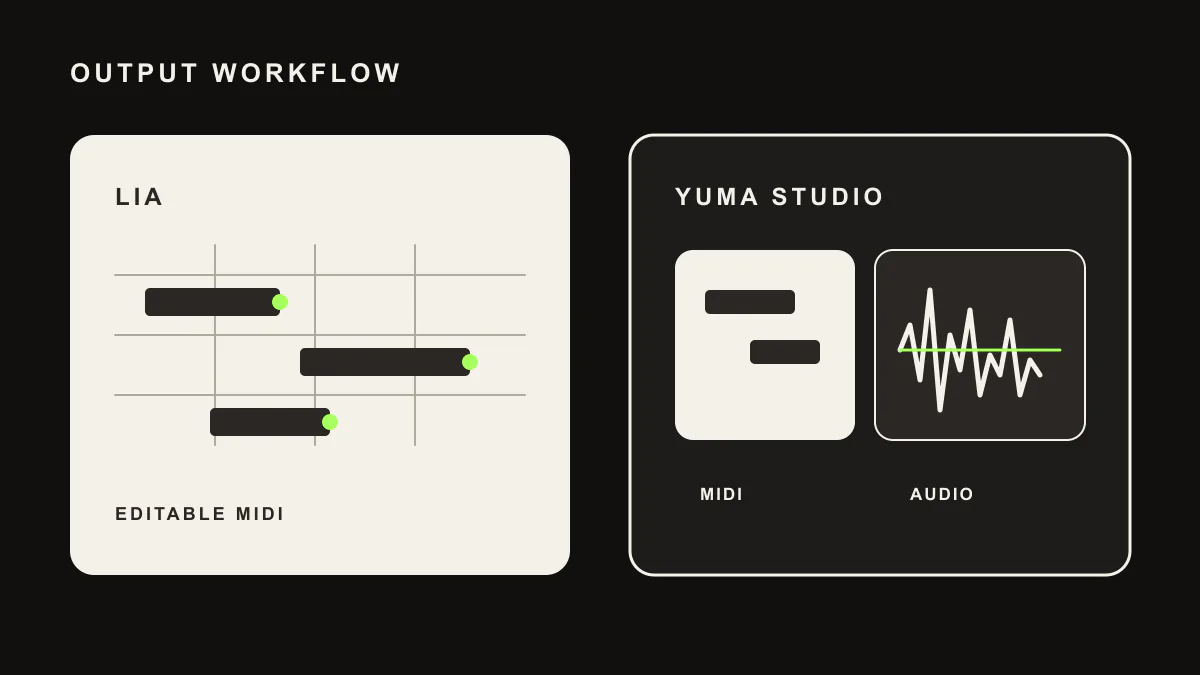
Yuma Studio generates audio material as well as MIDI: vocal and sample elements arrive as rendered audio you place in your set (as of June 2026). That is genuinely useful if you want finished-sounding ingredients fast.
LIA keeps everything editable and yours: MIDI clips, track and device changes, and mix suggestions you choose to apply. Nothing lands in your session as a black box, so every note can still be moved, reharmonized, or requantized at 3am when the arrangement changes. If you want to understand this split in depth, read AI music assistant vs AI music generator.
Language Support
Yuma Studio's chat is English-first (as of June 2026).
LIA understands any language you type or speak, and the interface ships in 10 languages (English, Italian, German, Spanish, French, Portuguese, Dutch, Japanese, Korean, and Chinese). If you think in Italian, Japanese, or Portuguese, you produce in it.
Multi-DAW Claims, Read Carefully
Yuma advertises compatibility beyond Ableton through exported files you drag into other DAWs (.wav and .mid), while its deep chat control targets Ableton Live (as of June 2026).
LIA is explicit about the same boundary: LIA Bridge controls Ableton Live on macOS and Windows today, other DAWs are not live Bridge integrations yet, and producers on other DAWs can use exportable MIDI workflows and join the waitlist for their DAW.
Pricing
As of June 2026, Yuma Studio has no free tier: Beta access is $39 one-time, Pro is $49 per month, and Max is $99 per month.
LIA includes a Free plan, with paid plans from 24.99 EUR per month that scale features like remote Bridge control and conversation history. Realtime Talk Mode is planned for launch on supported plans.
Feature Comparison
| Capability | LIA | Yuma Studio |
|---|---|---|
| Platform | Browser-based, works from any device | Native desktop app (macOS, Windows) |
| Deep DAW control | Ableton Live via LIA Bridge (macOS, Windows) | Ableton Live via its own integration |
| Other DAWs | Exportable MIDI workflows + DAW waitlist | File export and drag into the DAW |
| Output | Editable MIDI, session changes, mix suggestions | Audio renders and MIDI |
| Remote control | Yes, phone and tablet via mobile web app | No, desktop only |
| Languages | Any language, 10-language interface | English-first |
| Voice | Push-to-talk from Starter up, Realtime Talk Mode planned for launch from Studio up | Voice dictation since v2.5 |
| Free plan | Yes | No |
| Pricing | Free, then from 24.99 EUR/mo | $39 one-time Beta, $49/mo Pro, $99/mo Max |
Competitor details verified against public Yuma Studio materials in June 2026. Always check their site for current pricing and features.
Which One Fits Your Workflow?
Pick Yuma Studio if you want a native desktop app that renders audio ingredients directly into Ableton, you work in English at one machine, and one-time Beta pricing appeals to you.
Pick LIA if you want to produce in your own language, control your session from the couch or the other side of the studio, keep every generated note editable, and start on a Free plan before paying anything.
Related Comparisons
We compared LIA with the original AbletonGPT before the rebrand: that page remains available as LIA vs AbletonGPT. For the broader landscape, read LIA vs Suno, LIA vs Feater, LIA vs AbletonMCP, and the best AI tools for Ableton Live in 2026.
Try LIA
LIA is available for Ableton Live with a free plan included. Explore the full feature list or browse more comparisons on the LIA blog. Ready to try it? Join the waitlist at liaplugin.com.
Frequently asked questions
What is Yuma Studio?
Yuma Studio is an AI music production app for Ableton Live and the rebranded continuation of AbletonGPT (renamed in spring 2026). It runs as a native desktop app on macOS and Windows, controls Ableton through an English chat interface, generates audio elements as well as MIDI, and added voice dictation in v2.5 (competitor facts as of June 2026).
Is Yuma Studio the same as AbletonGPT?
Yes. AbletonGPT was rebranded as Yuma Studio in spring 2026, and the product continued under the new name with an expanded feature set and new plans (Beta one-time, Pro, and Max, as of June 2026).
What is the main difference between LIA and Yuma Studio?
Yuma Studio is a native desktop app focused on generating audio and MIDI inside Ableton from an English chat. LIA is a browser-based assistant connected through LIA Bridge: it works in any language with a 10-language interface, supports remote control from your phone through the mobile web app, keeps output as editable MIDI and session changes you approve, and includes a Free plan.
Does Yuma Studio have a free tier?
No. As of June 2026, Yuma Studio offers Beta at $39 one-time, Pro at $49 per month, and Max at $99 per month, all paid. LIA includes a Free plan you can start with before choosing a paid plan.