
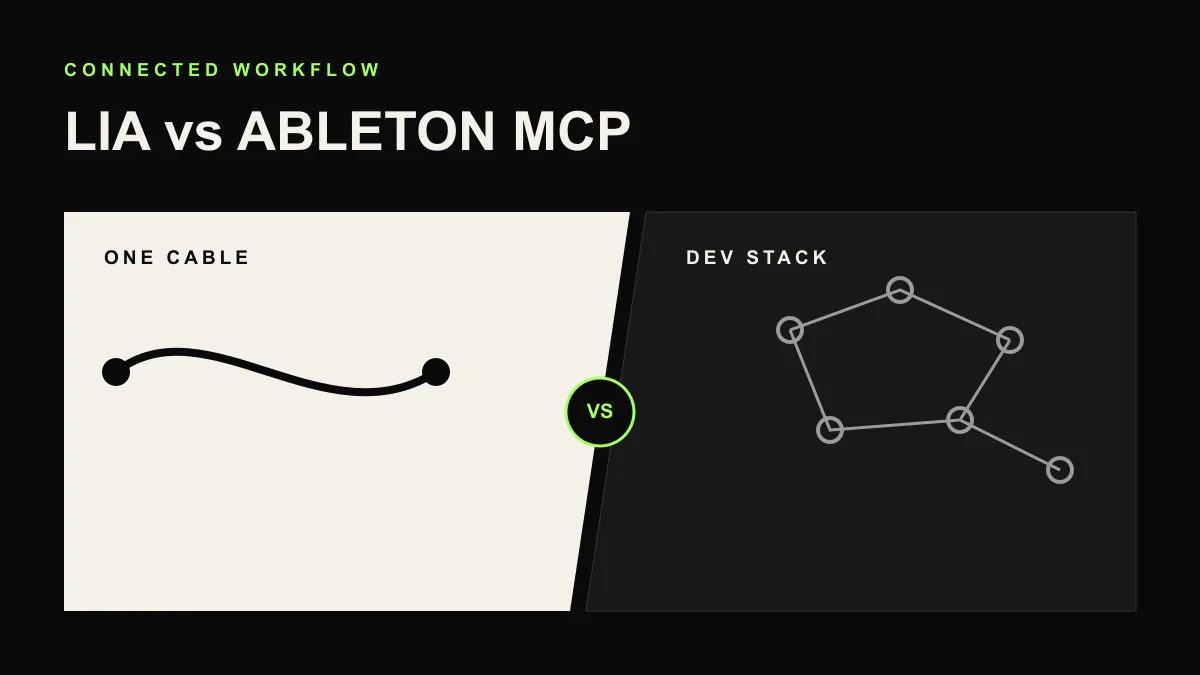
LIA vs AbletonMCP and Open-Source AI Tools for Ableton
The open-source community has built several MCP (Model Context Protocol) servers that connect Ableton Live to AI assistants. The most widely used is AbletonMCP by Siddharth Ahuja, an MIT-licensed project with roughly 2,700 GitHub stars as of June 2026, alongside community forks that extend it further.
These projects are impressive. They prove the concept works. But using them in practice requires a level of technical comfort that most music producers do not have and should not need.
How AbletonMCP Works
AbletonMCP connects Ableton Live to an AI assistant (typically an MCP-compatible AI chat application) through the Model Context Protocol. To set it up, you need to:
- Install the uv package manager, then run the server with
uvx ableton-mcp, or use the one-line Smithery installer - Install the AbletonMCP Remote Script and select it as a Control Surface in Ableton Live on macOS or Windows (the path varies by OS and Ableton version)
- Connect a separate MCP AI client, such as Claude Desktop or Cursor
- Keep the local server running while you work
It needs Ableton Live 10 or newer and Python 3.8 or newer. Once configured, you send natural language commands through your AI client and they get executed in Ableton. The current version exposes 21 tools, covering track manipulation, MIDI clip creation, instrument loading, transport control, and basic Arrangement View edits.
Because it is a third-party, community-maintained project (57 open issues on GitHub as of June 2026), there is no dedicated support team. Its README also notes that complex arrangements may need to be broken into smaller steps, and recommends saving your work before extensive experimentation.
How LIA Works
LIA does everything AbletonMCP does, and more, without any of the setup. You install a lightweight bridge app on your computer, open your browser, and start producing.
There is no Python. No terminal. No config files. No MCP configuration. No separate AI client to connect. LIA handles all the AI processing, natural language understanding, and DAW communication as one integrated product.
When Ableton updates, LIA updates the bridge to match. When something needs fixing, there is a team behind it.
The Real Difference: Maintenance
Setting up an open-source MCP tool is a one-time effort. Maintaining it is ongoing. Python environments break. Dependencies conflict. Ableton changes its Remote Script API. Your AI provider changes their MCP implementation. Each of these events means time spent debugging instead of making music.
With a product like LIA, maintenance is invisible. Updates happen on the server side. The bridge app updates automatically. You never think about the infrastructure.
Feature Comparison
AbletonMCP details last verified 2026-06-24 against the project's public GitHub repository (MIT-licensed, last commit June 2026).
| Capability | LIA | AbletonMCP (Open-Source) |
|---|---|---|
| Setup | Install bridge, open browser | Clone repo, install Python, configure MCP, run server |
| Technical skill required | None | Python, terminal, MCP configuration |
| External AI client | Not required | Required (separate MCP AI app) |
| Cost | Free plan available, paid from 24.99 EUR/mo | Free and open-source (MIT) |
| Maintenance | Handled by LIA team | You maintain it yourself |
| Multi-device access | Yes (phone, tablet, any browser) | No (desktop only, tied to chat app) |
| Voice commands | Yes (web and mobile app) | No |
| Language support | Any language | Depends on AI provider |
| DAW support | Ableton Live now; other DAWs are not live integrations yet | Ableton Live only |
| Capabilities | Editable MIDI from prompts and references, beats, voice control | 21 tools (current version) |
| Knows your instruments and presets | Yes (scans your DAW on install) | Browses the Live device and sample tree |
| Support | Yes | Community only (GitHub issues) |
| Reliability | Tested and maintained | Community-maintained (57 open issues, June 2026) |
When Open-Source Makes Sense
If you are a developer who wants to build custom integrations, extend functionality, or contribute to the ecosystem, open-source MCP tools are the right choice. They are flexible, transparent, and free to modify.
If you want to experiment with how AI and DAWs can interact at a technical level, AbletonMCP is a great starting point.
When LIA Makes Sense
If you are a music producer who wants AI assistance without becoming a systems administrator, LIA is built for you. It works out of the box, supports more features, runs on any device, understands any language, and does not require you to maintain a development environment alongside your music studio.
The time you spend configuring and debugging an open-source setup is time you could spend making music. LIA exists so you do not have to make that tradeoff.
Related Comparisons
Still evaluating options? Read LIA vs Suno, LIA vs AbletonGPT, and LIA vs Feater.
Try LIA
LIA is available for Ableton Live with a free plan included. Explore the full feature list or browse more comparisons on the LIA blog. Ready to try it? Join the waitlist at liaplugin.com.