
AI Music Assistant vs AI Music Generator: What's the Difference?
If you've been following AI and music over the past two years, you've probably noticed that the conversation tends to lump everything together. Suno, Udio, LIA, various plugins. It all gets filed under "AI music tools." But there's a fundamental distinction that matters enormously for anyone who actually makes music, and most people are missing it.
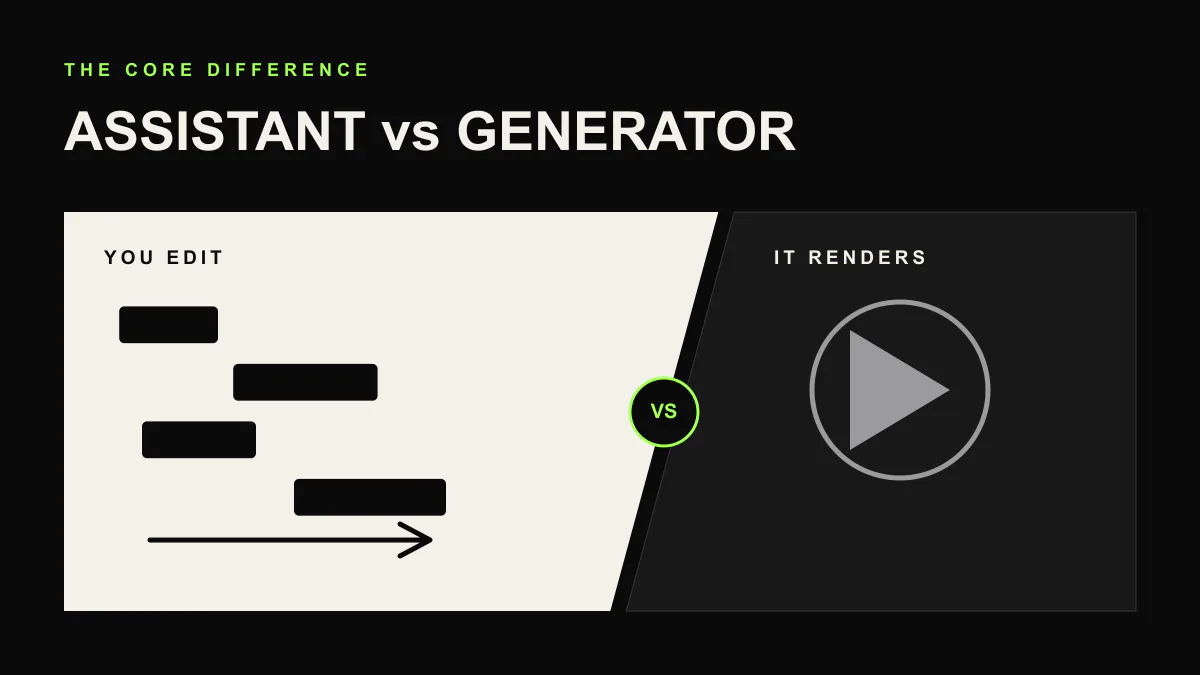
There are AI music generators and there are AI music assistants. They sound similar. They are not.
What AI Music Generators Do
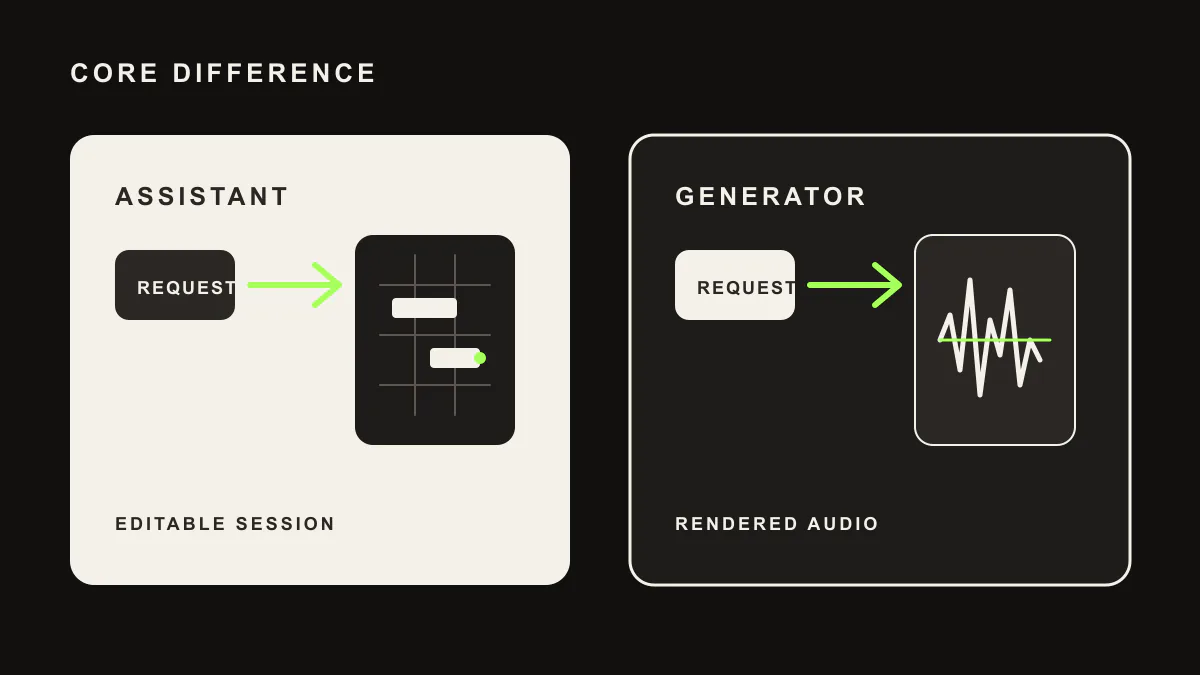
AI music generators like Suno, Udio, and Mubert take a text prompt and produce a finished audio file. You type something like "upbeat pop song with female vocals and acoustic guitar" and within seconds, you get a complete song. Vocals, instruments, arrangement, mix, and all.
The technology behind these tools is genuinely impressive. They've been trained on vast amounts of music data and can produce surprisingly convincing results across many genres. For someone who needs background music for a video, a quick demo to communicate an idea, or just wants to play around, generators are fun and accessible.
But here's the catch. What you get is a single audio file. A flat, rendered, finished piece of audio. You can't go in and change the chord in bar 8. You can't swap the snare sound. You can't adjust the vocal melody in the chorus. You can't re-EQ the bass without affecting everything else. The song is what it is.
If you don't like one part of the generated song, your only option is to generate a new one and hope the next version is better. It's a slot machine approach to music creation: pull the lever, see what you get.
What AI Music Assistants Do
AI music assistants work completely differently. Instead of generating finished audio, they control a supported DAW session. LIA connects to Ableton Live on macOS and Windows through LIA Bridge, while other DAWs are not live integrations yet.
When you tell LIA "add a warm pad playing Cm7 to Am7 in the chorus," it doesn't generate an audio file of a pad. It opens an actual synthesizer in your DAW, loads an appropriate preset, creates MIDI notes for those chords, and places them in the right section of your arrangement. Every note is editable. Every parameter is tweakable. The instrument is real, sitting right there in your mixer.
This is a fundamentally different philosophy. The AI isn't making music for you. It's helping you make music faster by handling the mechanical tasks: loading instruments, writing MIDI, adjusting parameters, routing signals. You remain the creative decision maker.
Why This Distinction Matters
Editability and Control
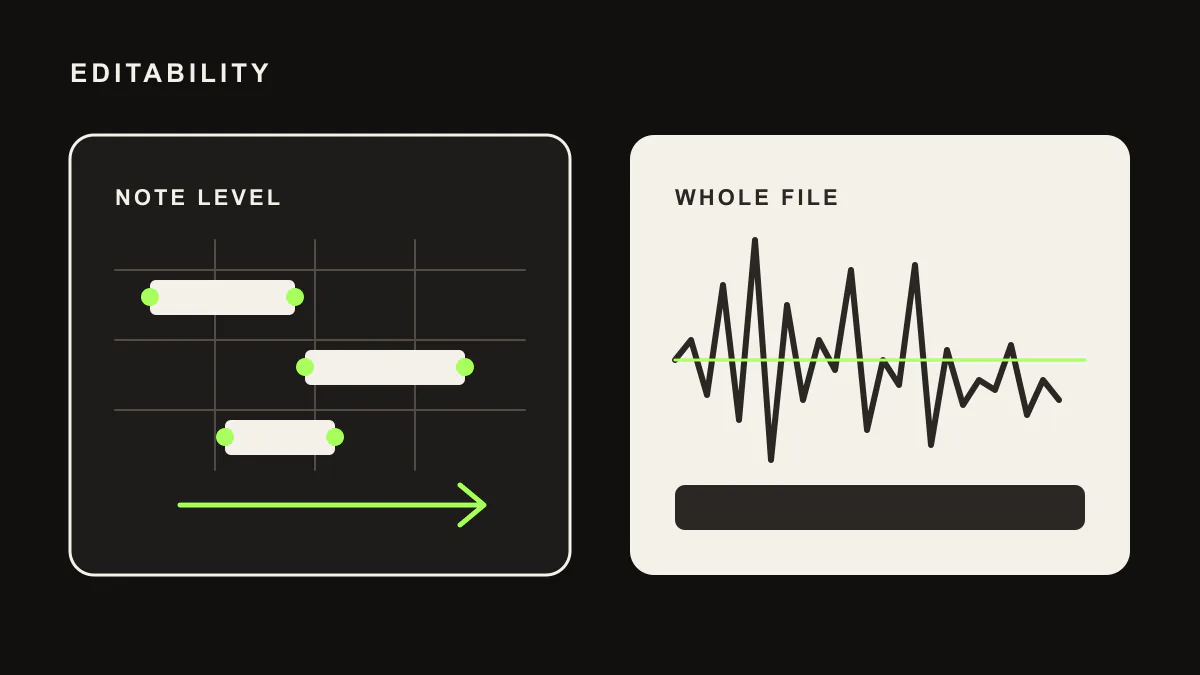
With a generator, your creative control ends the moment you hit "generate." You can adjust your prompt and try again, but you can't surgically edit the output. With an assistant, everything is editable because everything exists as standard DAW data: MIDI notes, audio tracks, plugin parameters, automation curves. You have the same control you'd have if you'd done everything manually.
Ownership and Originality
This is where things get legally and creatively interesting. When a generator creates a song, the audio was produced by a model trained on existing music. The legal status of that output is still being debated globally. Who owns it? Can you copyright it? Different jurisdictions are reaching different conclusions, and the landscape is evolving rapidly.
With an assistant like LIA, the situation is clearer. LIA doesn't generate audio. It creates MIDI notes and loads instruments that you own licenses to. The output is your DAW session with your instruments making your sounds. You composed it (with AI help for speed), and the resulting music is as original as anything you'd create manually.
Sound Quality and Sonic Identity
Generators produce audio at whatever quality the model outputs. You're locked into the sonic character of the AI model. Every song from the same generator has a certain "flavor" that attentive listeners can recognize.
With an assistant, your sounds come from your instruments, your samples, and your processing chain. If you've spent years curating your sample library and dialing in your synth presets, an AI assistant lets you use all of that. Your music sounds like you, not like an AI model.
Workflow Integration
Generators exist outside your DAW. You generate something, download it, import it, and then try to work with it alongside the rest of your project. It's a disconnected workflow.
Assistants live inside your DAW. LIA creates tracks, adjusts your mix, builds arrangements, all within your active session. There's no exporting, importing, or context switching. You stay in your creative environment the entire time.
When Generators Make Sense
To be fair, generators aren't without merit. They're genuinely useful in several scenarios:
- Quick mockups and demos. If you need to communicate a musical idea to a client, collaborator, or director, a generator can produce a reference track in seconds.
- Background music for content. Podcasters, YouTubers, and video editors who need simple background music may find generators perfectly adequate.
- Inspiration and ideation. Sometimes hearing a generated song sparks an idea that you then develop properly in your DAW.
- Non musicians who need music. If you're not a producer and don't use a DAW, generators give you access to custom music that didn't exist before.
When Assistants Make Sense
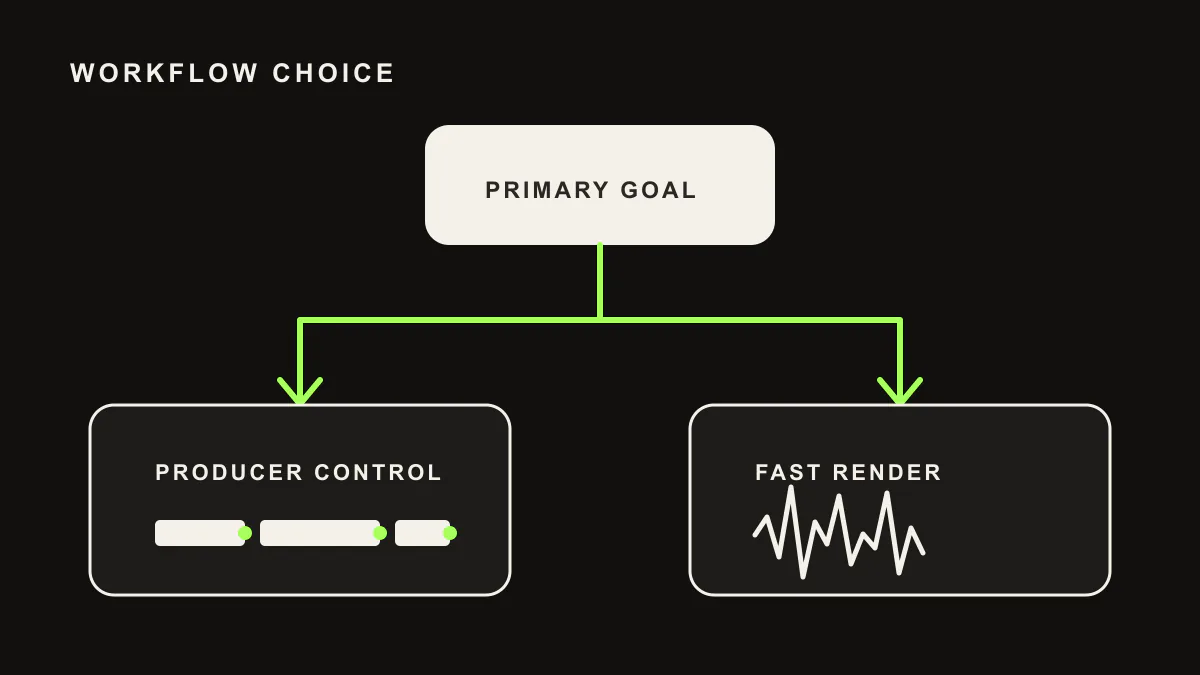
Assistants are built for people who actually produce music:
- Speed without sacrifice. You want to work faster, but you don't want to give up creative control. An assistant handles the tedious parts (loading plugins, writing basic MIDI, setting up routing) while you focus on the creative decisions.
- Learning and exploration. Tell LIA "show me what a jazz voicing of Dm7 sounds like on a Rhodes" and it sets everything up for you. You learn by hearing and seeing the result in your DAW, then you can modify it.
- Complex session management. As your projects get larger, managing dozens of tracks, buses, and effects becomes a chore. An assistant can handle the organizational work so you can focus on the music.
- Professional output. If your music needs to meet professional standards for streaming, sync licensing, or live performance, you need the granular control that only a DAW based workflow provides.
The Copyright Question
Copyright is perhaps the most important practical difference. The legal landscape around AI generated music is complicated and still evolving. Courts and legislatures around the world are actively working through questions about whether AI generated content can be copyrighted and who owns it.
With an AI assistant, these questions largely don't apply. LIA doesn't generate audio content. It performs actions in your DAW: the same actions you would perform, just faster. The resulting music is created by your instruments, arranged by your decisions (even if you expressed those decisions in natural language), and produced in your session. It's your music.
Where Things Are Heading
The industry is starting to recognize this distinction. We're seeing a shift toward AI tools that integrate into existing creative workflows rather than trying to replace them. Producers want speed and inspiration, but they don't want to give up control.
The future isn't AI that makes music without you. It's AI that makes music with you, faster and more fluidly than ever before. And that future is built on the assistant model, where AI understands your tools, respects your creative vision, and handles the work that slows you down.
That's exactly what LIA is building. Not a replacement for your skills, but an amplifier for them.