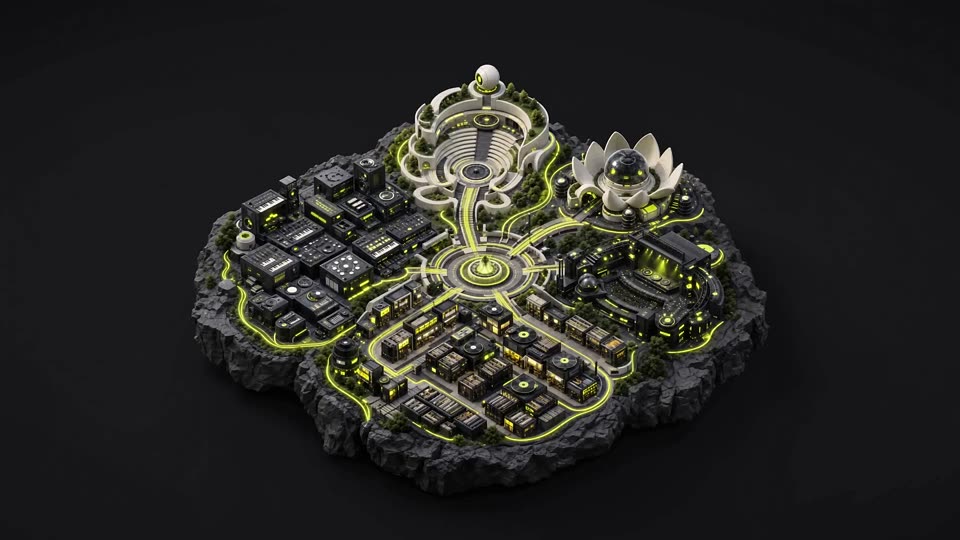
01 / 07 LIA की दुनिया
Music producers के लिए AI copilot.
LIA आज LIA Bridge के जरिए Ableton Live के साथ काम करता है। अपनी अगली चाल बताएं और यह editable MIDI, beats और session बदलाव बनाता है, जबकि नियंत्रण आपके पास रहता है।

LIA आज LIA Bridge के जरिए Ableton Live के साथ काम करता है। अपनी अगली चाल बताएं और यह editable MIDI, beats और session बदलाव बनाता है, जबकि नियंत्रण आपके पास रहता है।
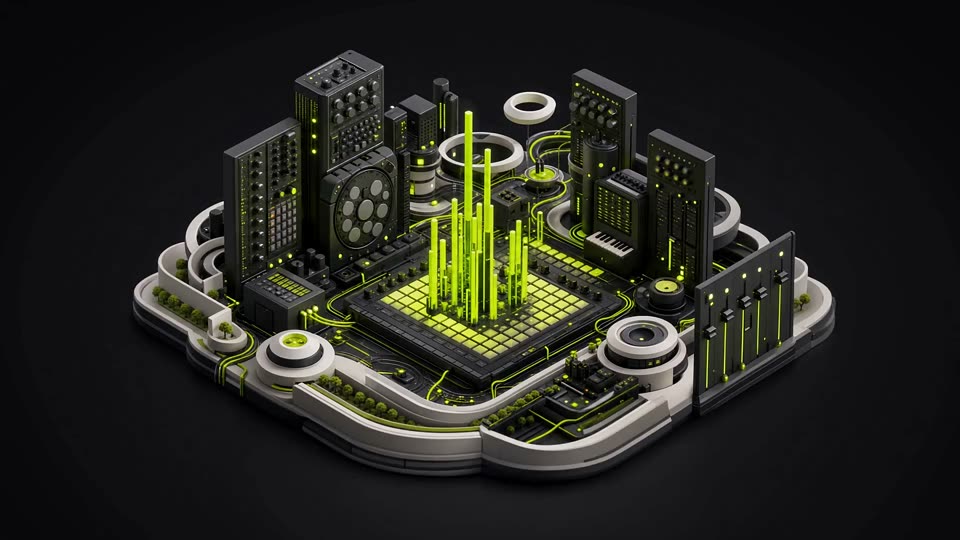
Bassline से शुरू करें, drums को दोबारा बनाएं, sound को आकार दें या किसी idea को आगे बढ़ाएं। LIA session के अंदर काम करता है और हर result आपके edit करने के लिए खुला रहता है।
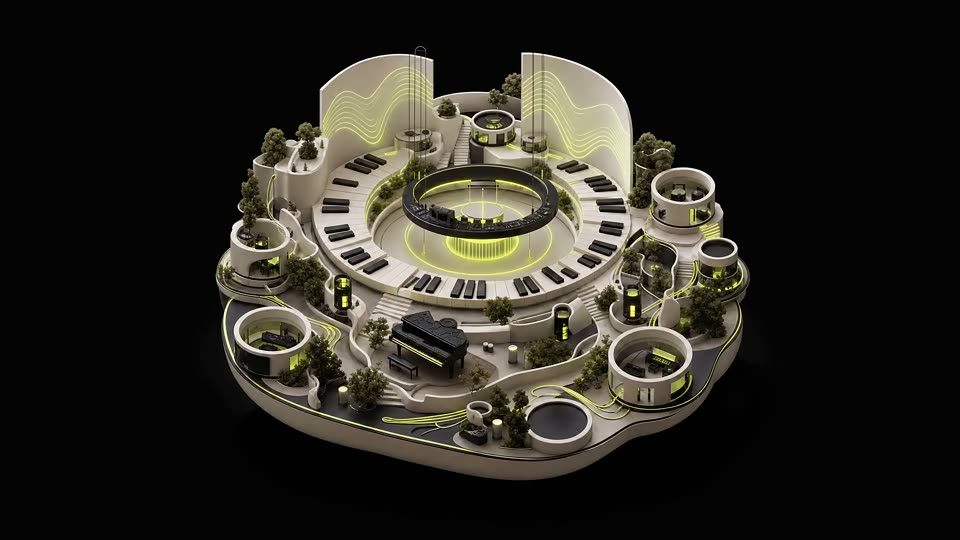
पूछें कि कोई production move कैसे काम करता है, फिर Pro Tip Apply से उसे Ableton Live session में लाएं। बदलाव सुनें, उसे adjust करें और आगे बढ़ें।
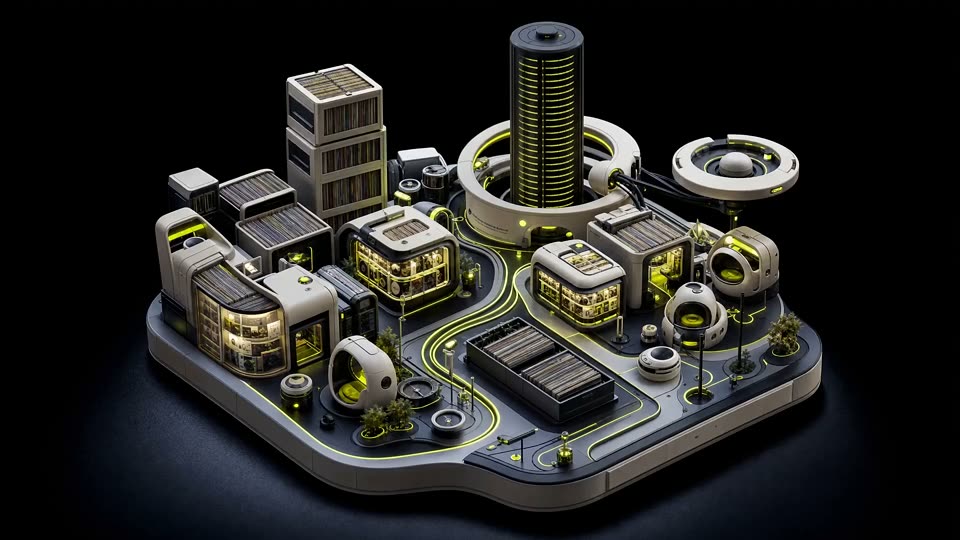
बस एक direction दें, LIA brief से editable MIDI बनाता है। session आपका ही रहता है।

Genre, tempo, key और feel तय करें। LIA उसी दिशा में patterns, harmony, basslines और sound choices बनाता है, जिन्हें आप आगे refine कर सकते हैं।
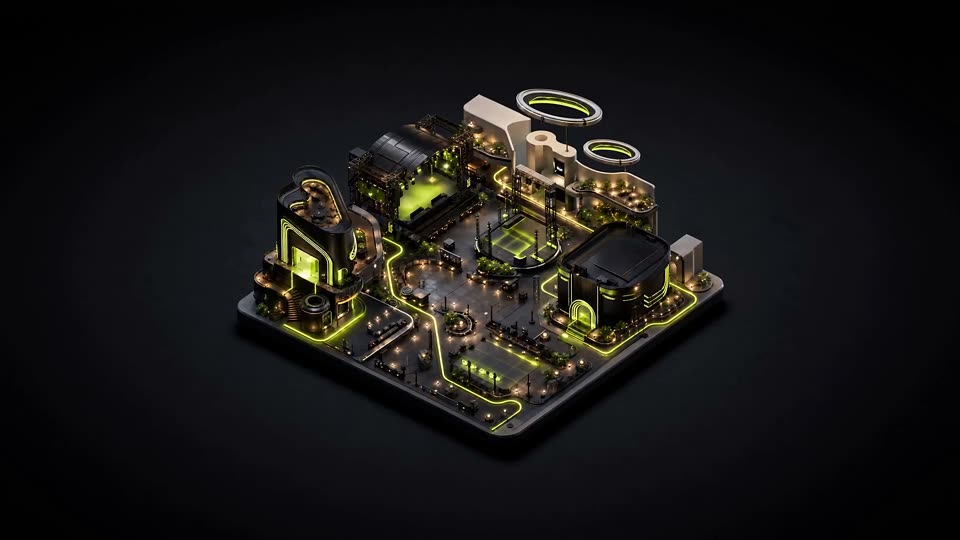
Drums को आगे लाएं, sound को तेज करें और track के काम आने वाले mixing suggestions मांगें। हर आखिरी फैसला आपका है।
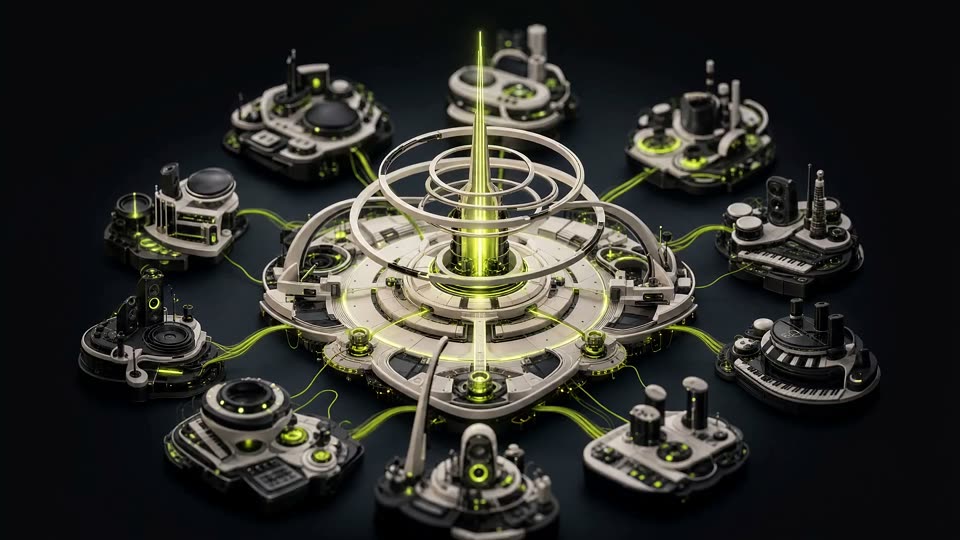
Chat से session को आगे बढ़ाएं। समर्थित plans पर Talk Mode लॉन्च के लिए नियोजित है। LIA Ableton Live के stock instruments और kits के साथ काम करता है, और हर result editable रहता है।
ABLETON में लाइव
ये वे क्षमताएँ हैं जिन्हें LIA आज वर्तमान काल में बता सकता है। Bridge macOS और Windows पर Ableton Live के साथ काम करता है।
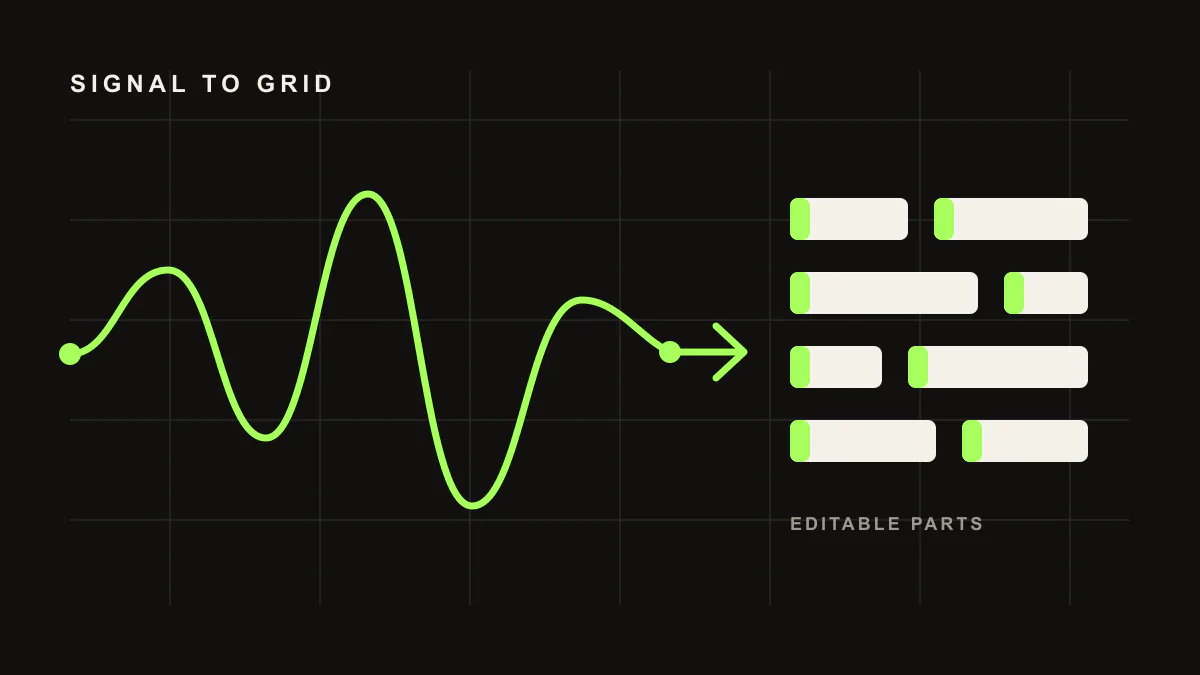
Ableton Live के अंदर melodies, chords, basslines और drum patterns बनाएँ जिन्हें आप बदल सकें।
Feel बताएँ और ऐसा pattern बनाएँ जो आपके बदलावों के लिए खुला रहे।
नए editable MIDI के लिए कोई style या reference दिशा दें।
प्रोडक्शन गाइडेंस को ऐसे बदलावों में बदलें जिन्हें आप जाँच सकें और आकार देते रह सकें।
फिर से शुरू करने के बजाय उसी idea को आगे-पीछे बात करके निखारें।
साधारण भाषा में sound choices और session बदलाव माँगें।
levels, EQ और compression के सुझाव पाएँ, फिर तय करें कि क्या इस्तेमाल करना है।
Realtime Talk Mode समर्थित plans पर लॉन्च के लिए नियोजित है।
LIA आपके DAW के साथ आने वाले stock instruments और drum kits पढ़ता है, ताकि नतीजे उन्हीं sounds का इस्तेमाल करें जो आपके पास पहले से हैं।
एक जुड़ा हुआ workflow
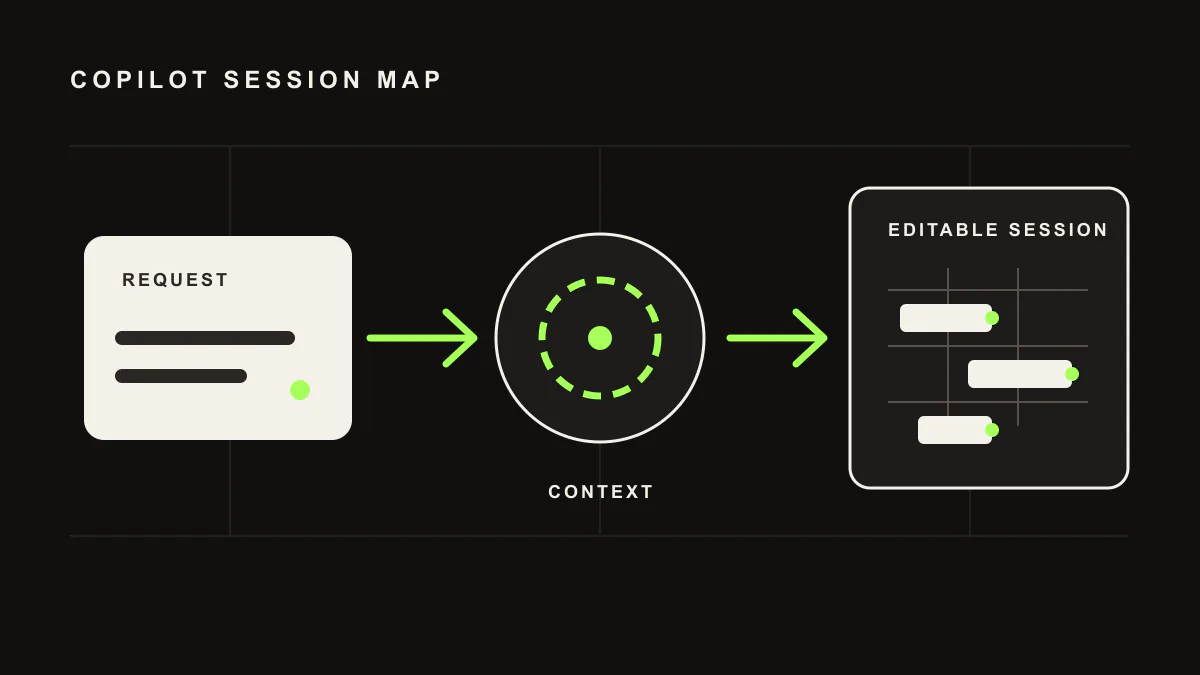
आज web app या mobile PWA में LIA इस्तेमाल करें; mobile app, iOS app और macOS app विकास में हैं और लॉन्च के लिए नियोजित हैं। LIA Bridge उस बातचीत को आपके Mac या Windows कंप्यूटर पर Ableton Live से जोड़ता है।
साधारण भाषा में कोई प्रोडक्शन अनुरोध टाइप करें या बोलें।
LIA Ableton Live session में editable सामग्री बनाता या निखारता है।
हर नतीजे को रखें, बदलें या अस्वीकार करें। Session आपका ही रहता है।
और गहराई में जाएँ
आज और आगे
आज LIA का सबसे गहरा इंटीग्रेशन macOS और Windows पर LIA Bridge के जरिए Ableton Live के साथ है। किसी और DAW के लिए LIA support अपडेट्स की waitlist में शामिल हों।
FAQ
LIA stands for Live Intelligent Assistant. LIA is for music creators and can sit alongside any DAW or workflow. “Live” because it works with the material in your session as you produce. “Intelligent” because it understands natural language in any language you speak, while the interface ships in 10 languages. “Assistant” because LIA helps you produce and keeps you in control, instead of replacing you. Native direct control is a separate capability, and today it is available for Ableton Live through LIA Bridge.
No. LIA creates editable MIDI, beats, and ideas from natural language. It does not output finished audio files and it does not replace you. With native direct control in Ableton Live, every MIDI note, track, and effect stays fully editable inside your session. You keep full creative control.
You type a command in the chat, or use Realtime Talk Mode, planned for launch on supported plans, for supported Ableton Live actions like “create a 4-track beat at 130 BPM” or “add reverb to the vocals”. LIA understands your request and sends supported commands through the LIA Bridge on macOS or Windows.
Ableton Live is the live integration through the LIA Bridge on macOS and Windows. Other DAWs are not live integrations yet. Join the waitlist for updates as LIA expands.
Yes. You can ask LIA to generate MIDI patterns, melodies, chord progressions, and drum patterns directly inside Ableton Live. You can then edit and customize everything.
No. LIA is designed for producers of all levels. Beginners can describe what they want in plain language. Experienced producers can use detailed technical commands.
Remote workflows are available on supported plans. You can use the browser and mobile web app while the LIA Bridge connects to Ableton Live. A native mobile app, iOS app, and macOS app are in development and planned for launch.
LIA understands any language. The interface is available in English, Italian, German, Spanish, French, Portuguese, Dutch, Japanese, Korean, and Chinese.
LIA doesn’t generate music. It assists you in creating it. Your compositions, MIDI, and audio are 100% yours. You own everything you create with LIA.
No. AI is a tool, like a synthesizer or a drum machine. LIA makes you faster, not replaceable. The creative decisions are always yours.
Generic chatbots can discuss music production, and finished-audio tools render audio files. LIA is different: it connects natural-language intent to editable Ableton session output through the LIA Bridge.
Yes, there’s a free plan with daily usage included. Paid plans start at €24.99/month for more usage and features.
LIA is a product workflow for producers. It combines browser access, multilingual prompting, Ableton Bridge control, plan-gated remote access, and editable session output without asking the producer to assemble a developer stack.
No DAW plugin, Python setup, or config files. LIA works from your browser, and the lightweight LIA Bridge connects to Ableton Live on macOS or Windows. Remote workflows from the browser on your phone are available on supported plans.
Today LIA handles editable MIDI generation from prompts and references, beat building, conversational refinement, and mix suggestions in the Ableton workflow. Realtime Talk Mode is planned for launch on supported plans.